


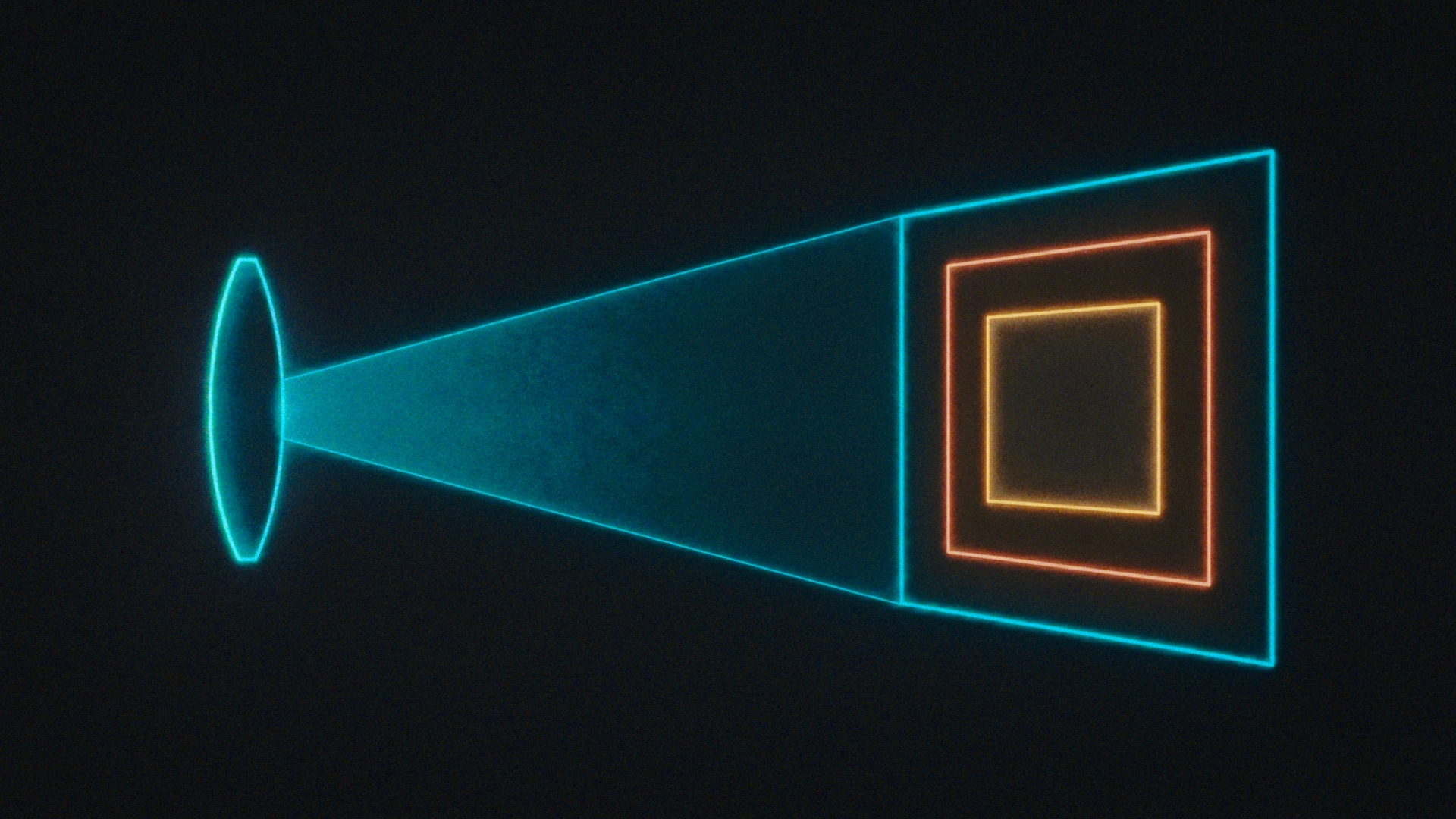
Every lens in LensNode is captured and profiled using a full frame 24x36mm sensor. Many real-world lenses, though, are only built for smaller sensor sizes. The Sensor Size slider allows us to account for this. You may notice if you load a lens that is designed for a Super35 sensor or film gate, this setting may be 25mm or some other setting other than the full frame 36mm width. If you then slide it up to 36mm, you will see the whole lens profile as it was captured on the full-frame sensor.
How sensor size works
The sensor size slider sets the width of the sensor being simulated for the purposes of LensNode’s lens effects. Depending on the lens you select, the slider moves to match the sensor size that lens was designed for. Changing it manually simulates using the lens on a different sensor, effectively scaling all of LensNode’s effects up or down. A smaller sensor crops into the lens and generally will show less of the lens character (it usually is more intense around the edges). A larger sensor will show more of the image circle of the lens and generally more funk at the edges, depending on the lens profile.
Super35 and Super16 approximations
For simplicity, Super35 lenses are given a sensor size of 25mm, since real-world Super35 sensors vary in width from about 24mm to 26mm depending on the camera or film. 12.5mm is the approximation used for Super16.
Animating sensor size
The sensor size slider can be animated, scaling the size of the simulated sensor up and down during a shot — a way to subtly grow or shrink lens character over time.
Don't overthink it
It’s worth noting that this is just a simulation, and none of these settings ultimately matter in regards to your input image. You can apply LensNode to something you drew in an image editor if you want, your focal length and sensor size do not have to match anything about your real footage. Applying an 18mm profile from a Super35 lens to something you shot on a full frame sensor with a 200mm lens is what using LensNode is all about.
 Made in California