


Glass filter simulation, now in post-production.
Stretch, repeat, and soften your image with virtual glass.
Refraction, color separation, and moving optical effects, fully raytraced.


A plug-in for DaVinci Resolve, Baselight, After Effects, Premiere Pro, Final Cut Pro, and Nuke.
Animation
Bring authentic physical motion to the effect with animation controls. Animate manually, choose an included recording, or create your own with your phone and import it.
Intuitive Controls
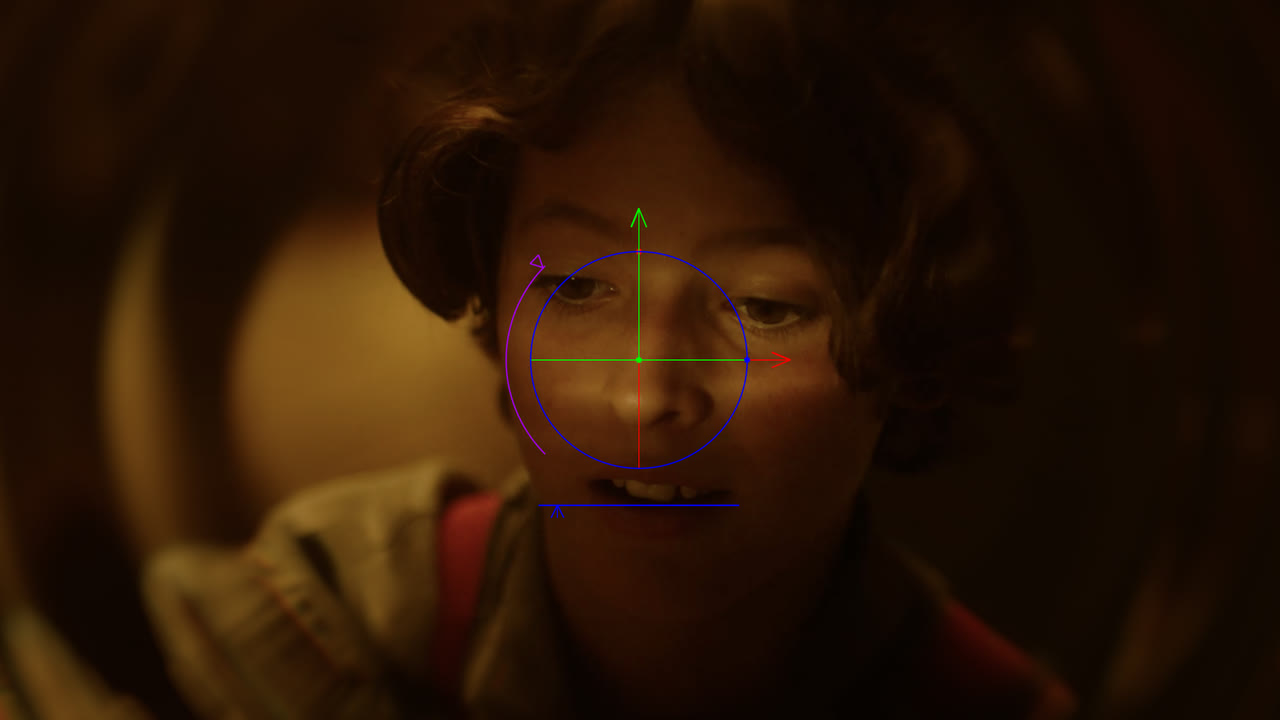
On-screen controls let you grab the object and move it easily in the viewer. You can drag, tilt, and reposition it in real time, so it feels just like moving a physical diopter around in front of the lens.
Beyond the Frame
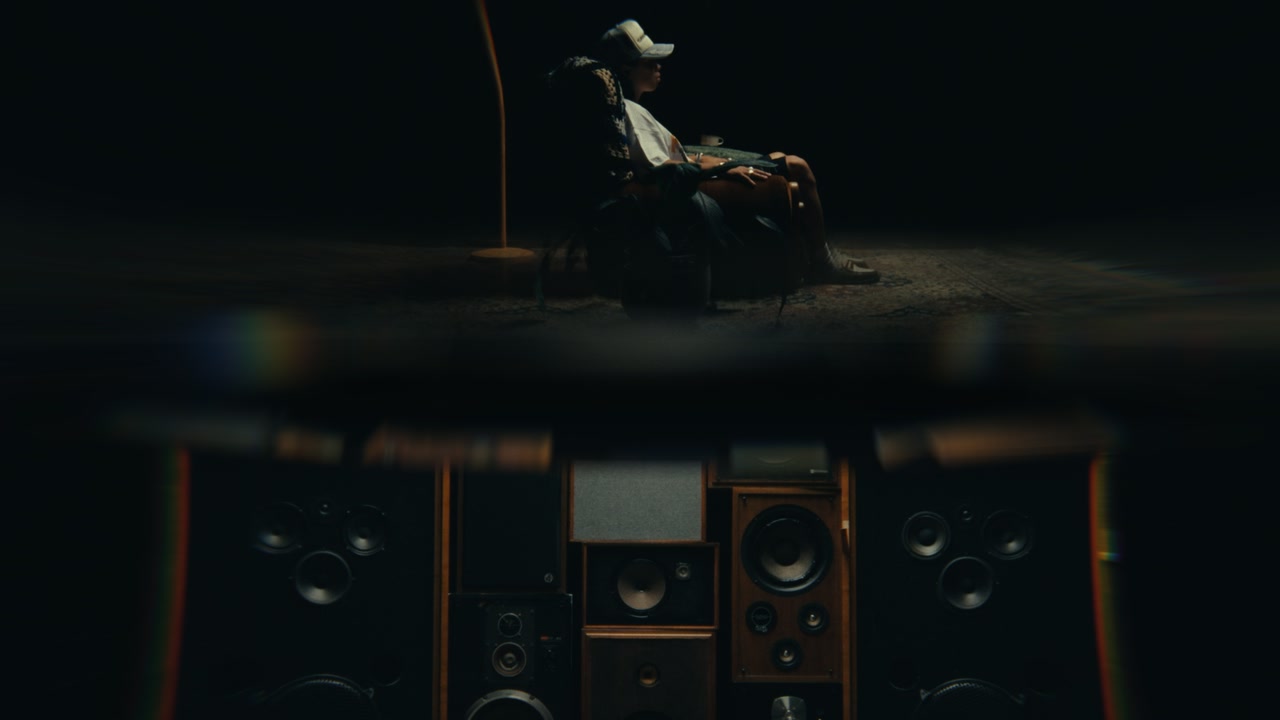
Choose what the glass refracts and reflects from outside the frame. Repeat or mirror the source, blur it into something abstract, wire in a different clip, or import your own HDRI.
Presets and Defaults
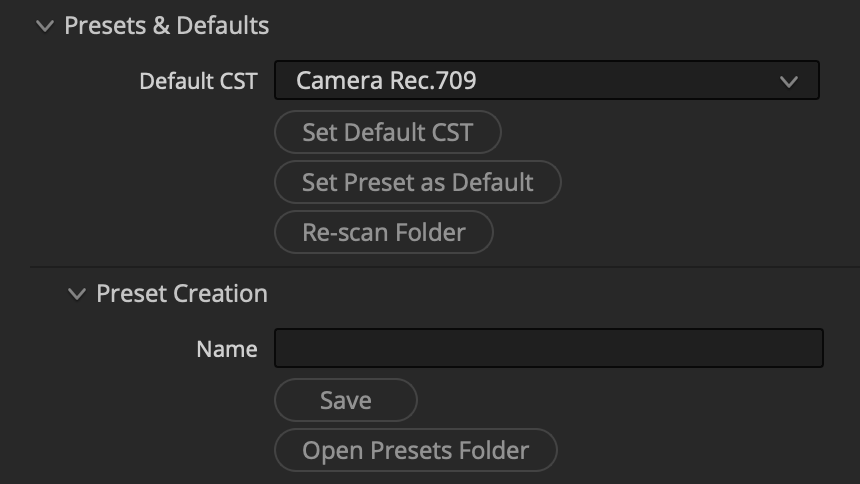
Save favorite looks as presets and set your own global defaults.
Works like the real thing
Mirage raytraces virtual optics, and includes animations from the real world.
Shape the effect by changing refraction strength, 3D position, virtual aperture, and focus.
Bend, warp and refine your look with deep customization.
Refraction Position the glass in 3D space to change the angle of refraction. Strength (IOR) sets how much the glass bends the image behind it.
Aperture F-Stop opens and closes the virtual aperture. Stopping down to makes the effect sharp and defined, or when open it blurs into something abstract and ethereal.
Aberration Chromatic Aberration that behaves like real glass. It shows where the glass bends light most, so the final result is realistic.
Highlight Boost Lifts the brightest parts of the refracted image so specular highlights and light sources read with more definition.
Focus Focus Shift can move the plane of focus up to the glass. Just like racking focus through a real filter, you can pick what's in focus and what falls off into blur.
Reflections Reflect a custom imported image, add virtual area lights in 3D space, or combine both. Get realistic results by tweaking brightness, changing roughness, and adding bevels.
Quality Modes Different quality modes mean you can work fast, then render clean on final output. A Final Quality toggle switches all nodes at once so you can easily change over when rendering.
Filters of all shapes and sizes
Ghosting filters, diopters, prisms and more.
Choose a built-in preset, experiment with built in shapes, or get creative and import your own geometry.

Designed for professionals
Linear internal processing with ACES, pro color management, and native raytracing on GPU.
ACES Linear internal processing with ACES makes it easy to include Mirage in existing grading and VFX pipelines.
HDR Works with SDR and HDR; preserves color space and out of range values for high bit depth renders or camera-log inputs.
User Defaults Users can set their own defaults for every parameter, so every time a new node is created, custom defaults will be loaded.
GPU powered With full GPU support, it's blazing fast out of the box, with quick optimization settings for faster playback on high res footage.
Live on-set preview Supports Resolve Live to process log camera feeds for realtime on-set preview.
Input spaces Supports every major camera and intermediate space; accepts generic Rec.709 for approximate emulation.

A small Australian software studio founded by cinematographer Elliott Nieves and VFX artist Jarrad Russell.
 Made in California