


Add prism and diopter effects in post
Jarrad and Elliott from Node Mill here. We’ve been sitting on this for some time now and we’re so happy it’s finally ready. While deep in research and development for LensNode anamorphic support, we came across a way to make one of our other ideas come to life.
Mirage is a raytraced diopter plugin. It’s amazingly interactive, dynamic, and versatile. At first we thought that doing something like this in post wouldn’t really work, but Mirage changed our mind and the results speak for themselves.
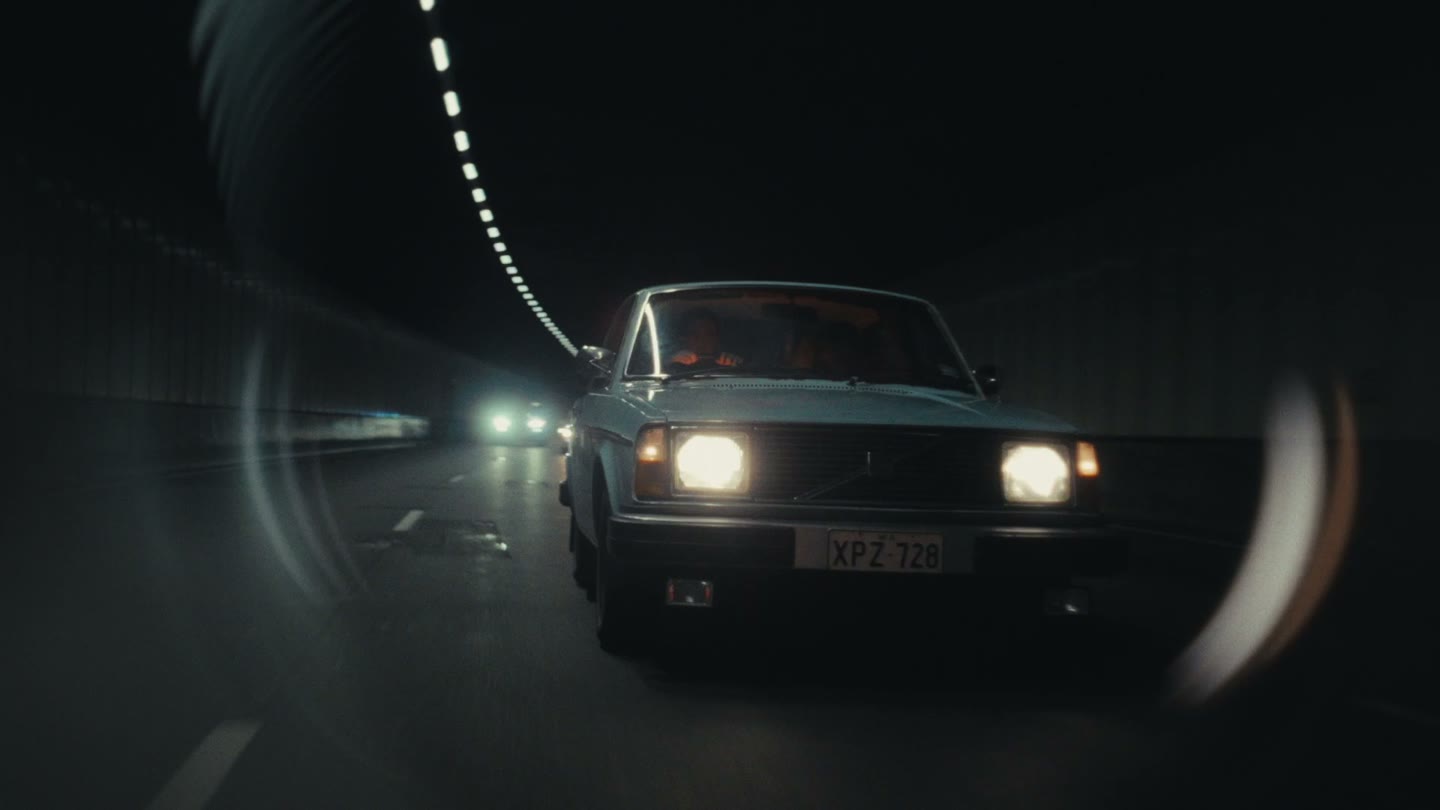
A big part of why it looks so realistic is that the plugin does as much as it can to emulate the real world. It results in refractions and reflections that all feel like they belong in the scene, and the renders from Mirage feel incredibly natural and organic.
We’ve also taken a lot of lessons from LensNode and built in presets, defaults, and granular control over things like aberration and virtual lights. You can choose a lower quality for interactivity while editing, then switch all your Mirage nodes to final quality for export.
There are obvious benefits for doing this in post. There’s no creative limitation of baking a diopter into your footage on set. There’s no panic to get it perfect in camera with limited time. No pressure to perfectly attach a motor to a kaleidoscope filter to get it to rotate nodally in front of a lens.
Beyond that, we’re really excited by the ability to have exact creative control over the placement and timing of a prism. Or that you can change the physical properties of glass and animate how much it refracts during a shot. Or that you can load up objects that would be impossible to manufacture in real life.
We’ve thought hard about refining the controls and making it easy and tactile to use, and with the gizmo we’ve built, it really feels like you’re moving a piece of glass around in front of the lens. It’s a great addition to a post-process cinematic pipeline alongside LensNode, Filmbox and Scatter.
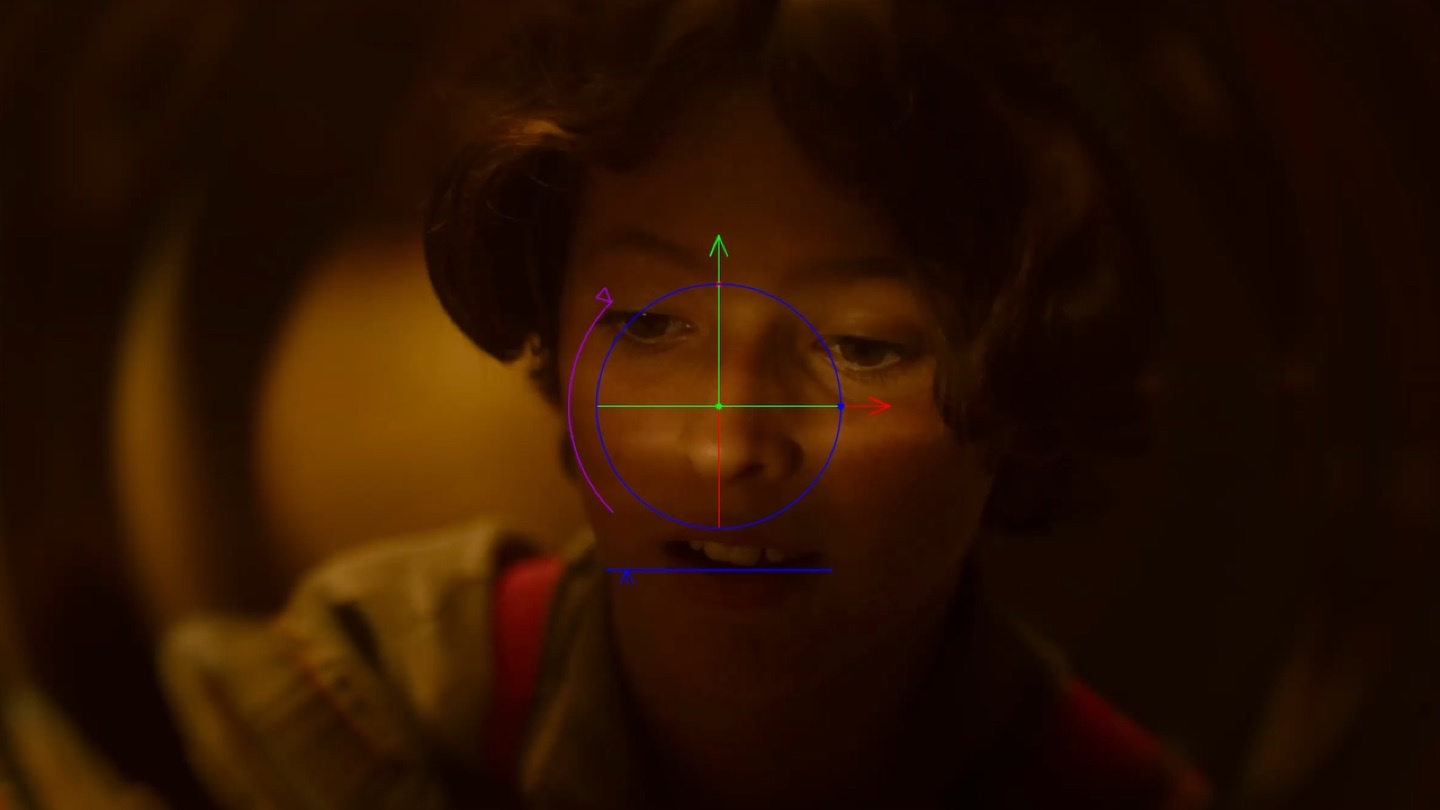
Right now, it comes with 37 shapes and 17 hand-recorded movements. We’ve built in tools so you can import your own animations from an iPhone ARKit recording. The same goes for the objects - you can model something yourself and refract anything you like.
The current shape set features the most popular physical diopter styles, and we’re looking forward to experimenting with adding more as time goes on. Using them in Mirage is just like using them in real life, and how close the diopter is to the camera, the fstop, and the movement all play a part in getting the look.
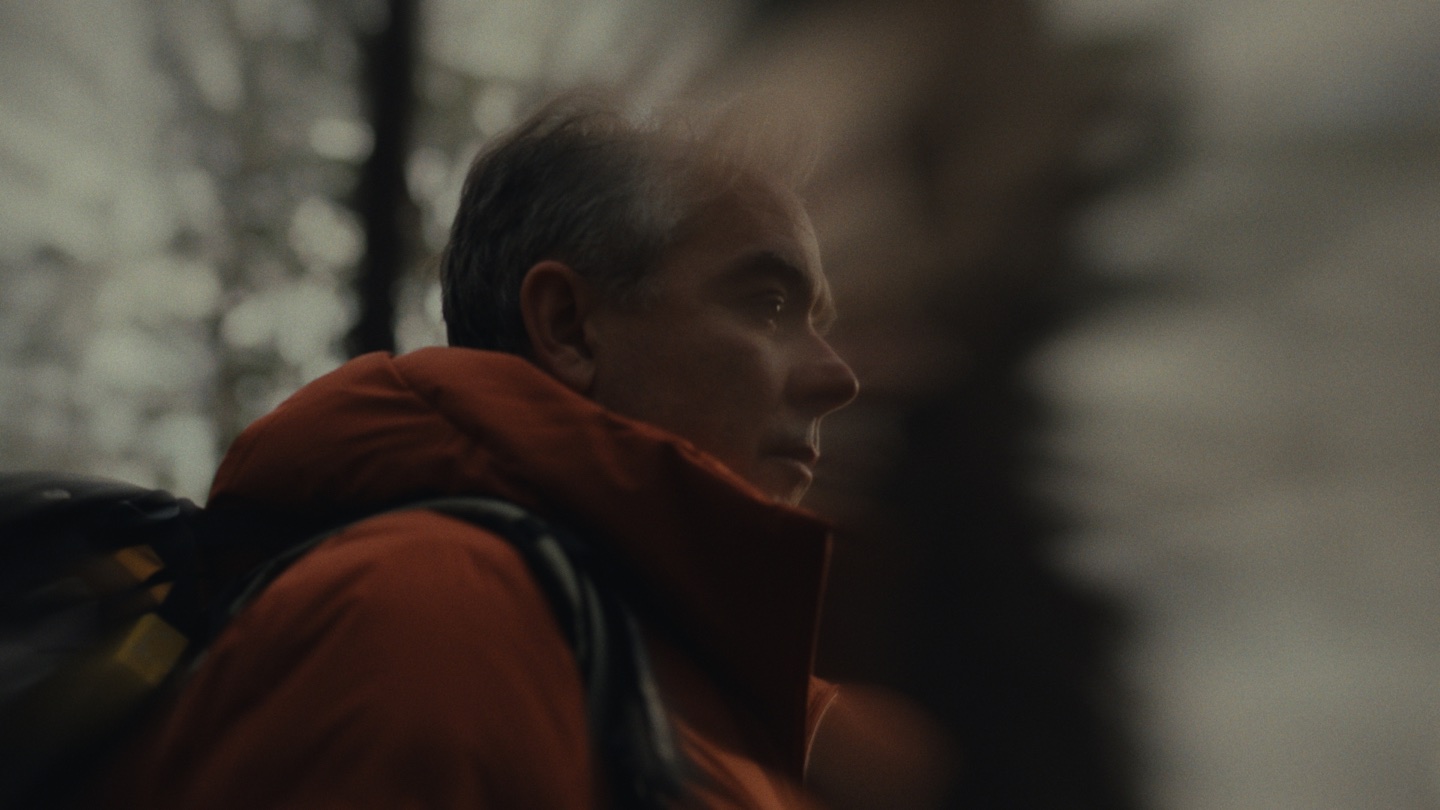
Mirage runs on all of your favourite software; DaVinci Resolve, Adobe Premiere Pro, After Effects, Final Cut Pro, Baselight, and Nuke. It tackles the heavy load of raytracing with 5 tuned quality options for fast previews on a range of hardware, from MacBooks to CUDA space-heaters. It’s ready to go on anything.
Mirage includes the same subscription-to-perpetual upgrade credit as the other Video Village plugins, and you can try the full plugin for 14 days with no limitations or watermarks.
For a closer look at how it works and how it looks, check out the tutorial.
We’re just so excited that a plugin like this can exist, that it looks so good, and that it’s so fast and usable. We’re really looking forward to seeing what people do with it.
 Made in California