Managing PerformanceImprove Mirage playback and render times with quality settings, lower preview resolution, caching, and lighter ray tracing.
MovementPosition and rotate Mirage's glass, then adjust animation speed, starting time, strength, and looping.
ReflectionsAdd reflections and virtual lights, then make them softer, brighter, or warmer to suit the shot.
ExposureFade the effect with Master Opacity and make blurred highlights stand out with Highlight Boost.
Technical SettingsAdjust Mirage's image edges, world colour space, preview quality, noise, GPU compatibility, and imported geometry shading.
Presets & DefaultsSave Mirage presets, share your looks, and choose the colour and quality settings for new shots.
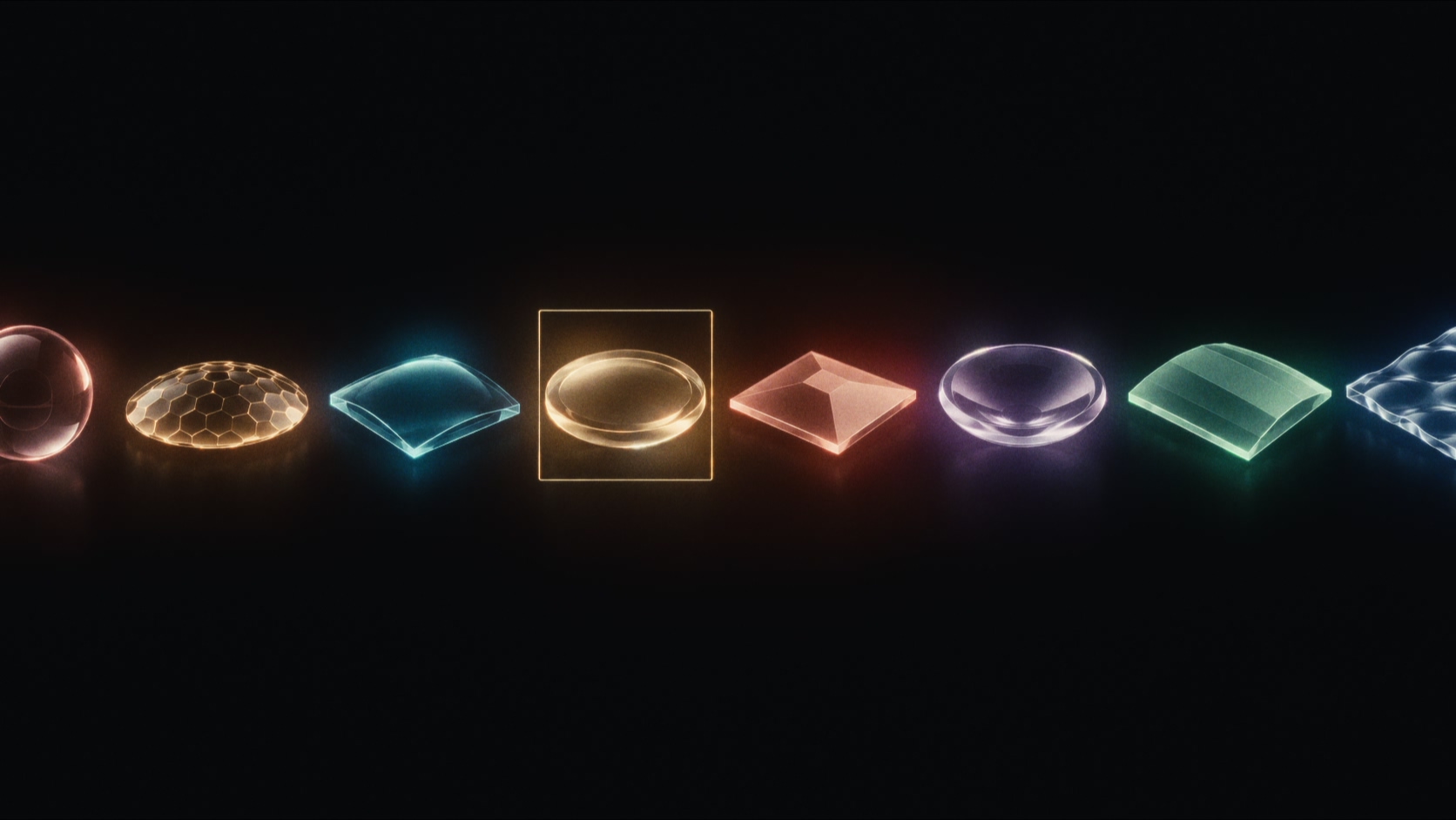
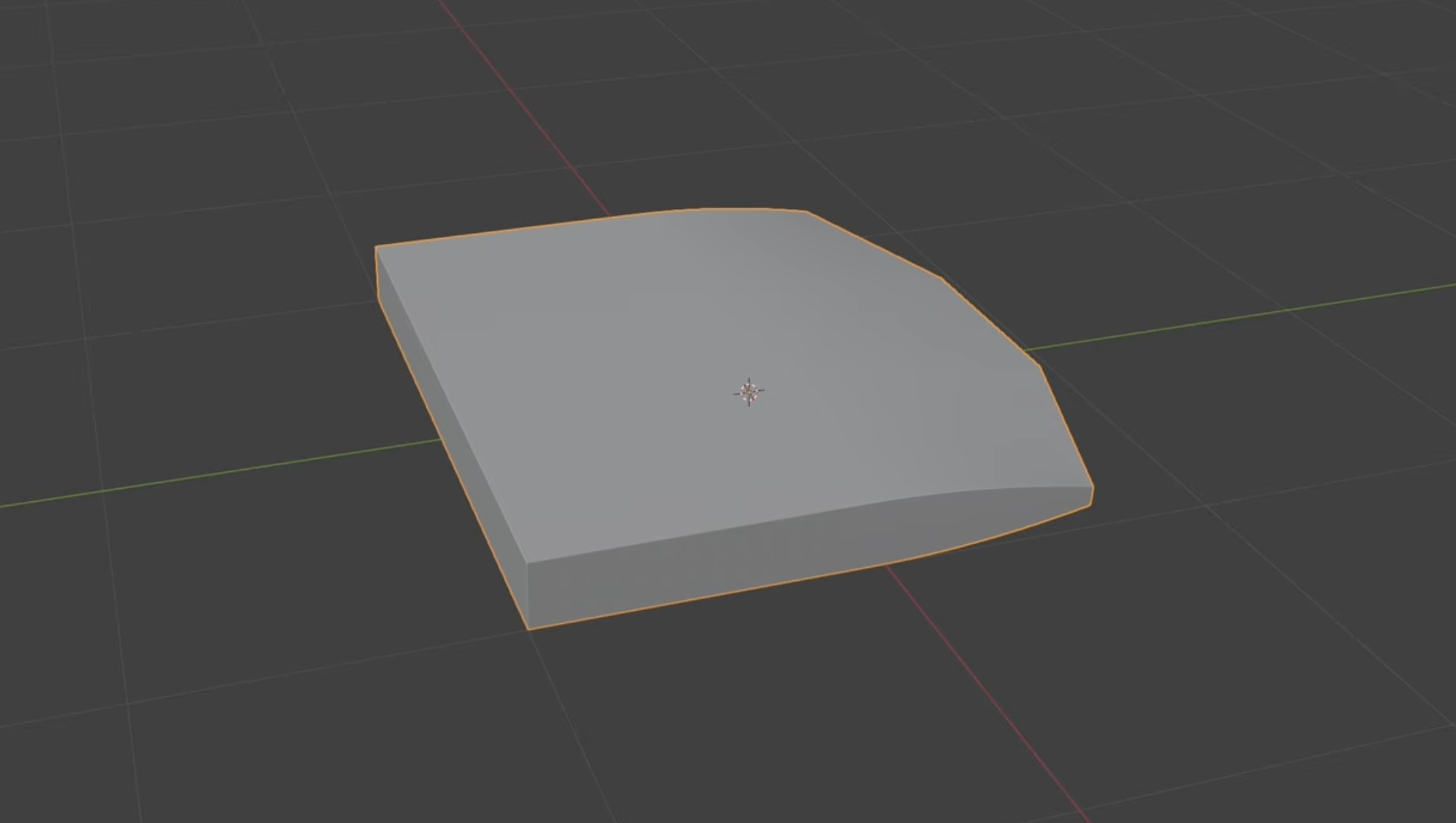
ImportsAdd your own shapes and surrounding images to Mirage, and find the files to copy when moving to another computer.Import Animations



 Mirage1.0.15
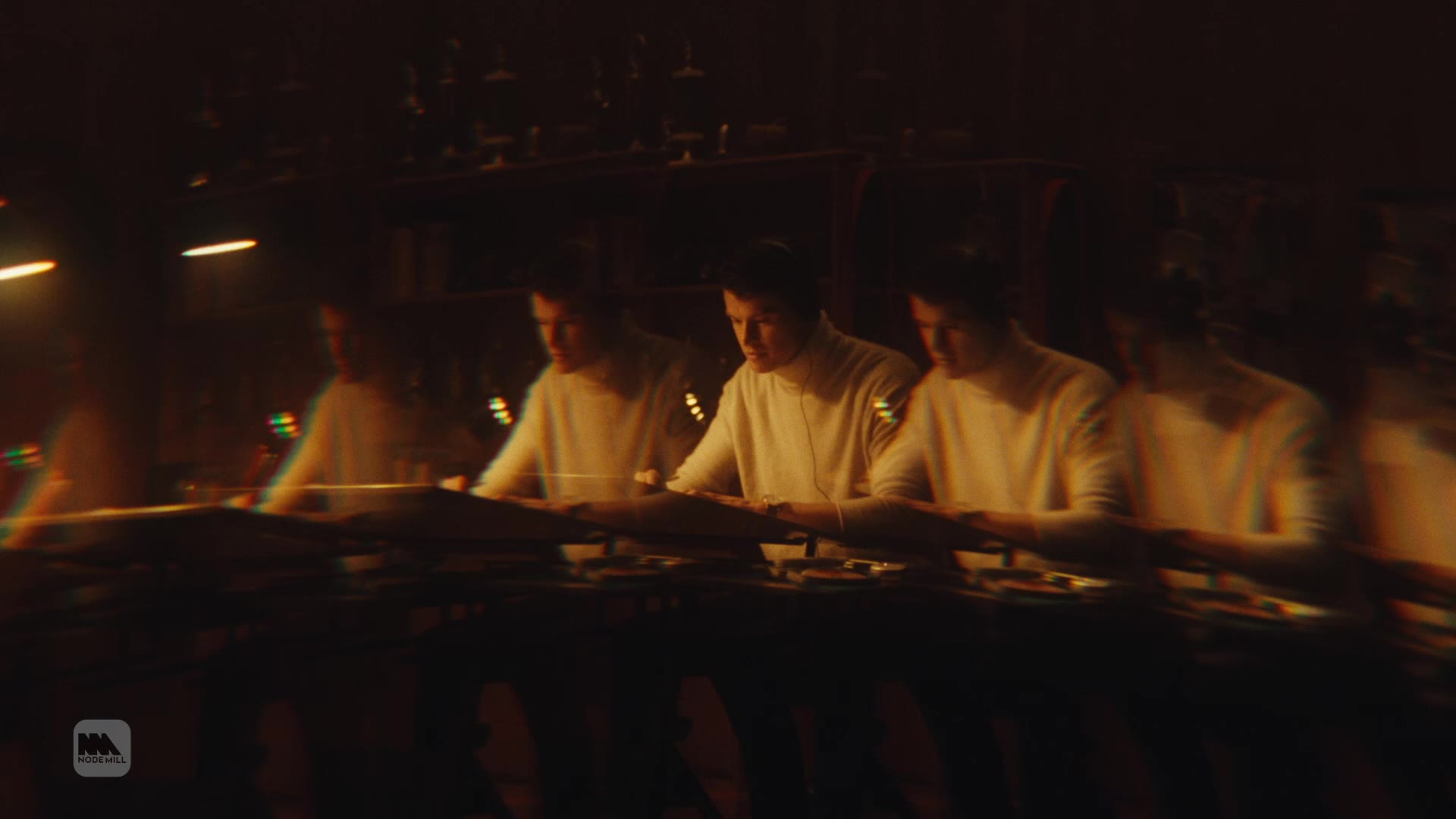
 Mirage1.0.15
 Filmbox Pro
 Filmbox Looks
 Scatter
 LensNodeMirage
 Made in California