


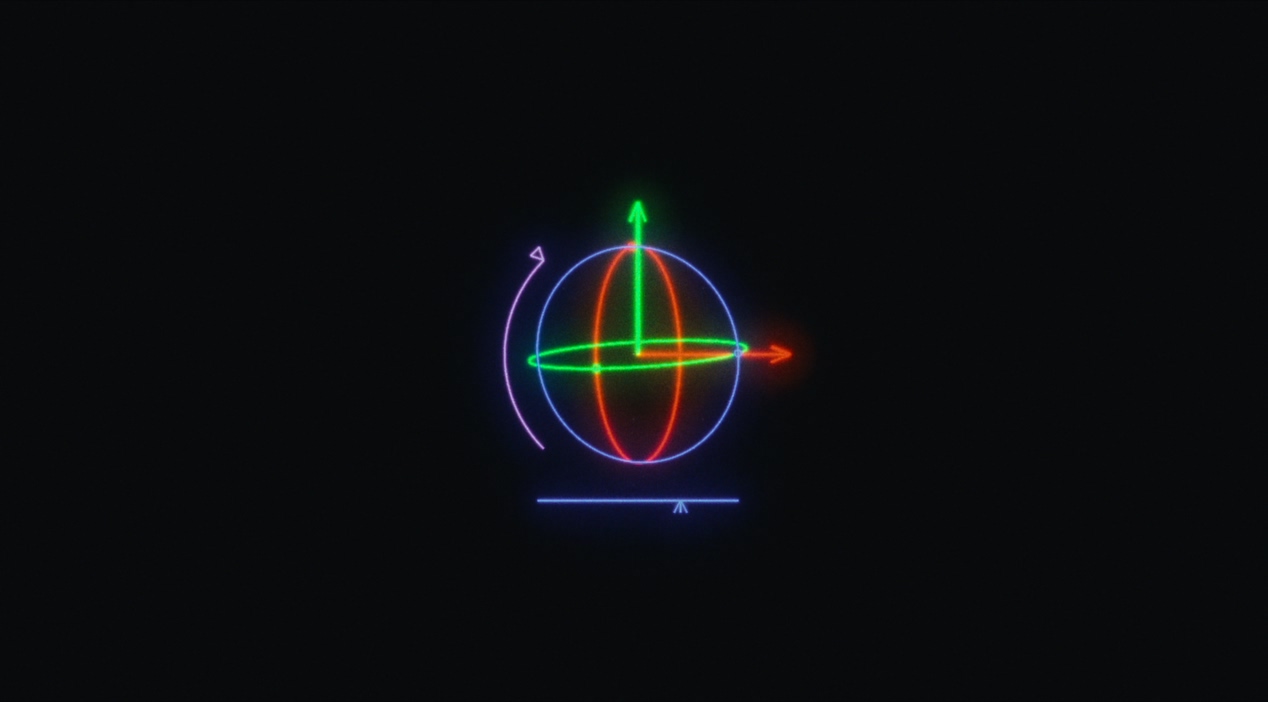
Open Movement to position the glass and control its animation. Animation controls become available when a motion is selected.
Position
X/Y move the glass across the image. Z moves it toward or away from the virtual camera. You can keyframe these values in the host.
Position Z is linked to Glass Depth; changing either updates the other.
Rotation
Turn the glass to change the angle of refraction. You can keyframe rotation in the host.
Animation
Choose a bundled motion, User Animations, or Off.
User Animation
Available when Animation is set to User Animations. Choose a saved capture from your animation library. To add one, use Imports › Animations.
Animation Time Offset
Shifts playback in host frames. Positive values delay the animation.
Animation Speed
Scales playback speed. 1 uses the normal rate; 0.5 uses half that rate. At 1, bundled clips advance one recorded frame per host frame. Imported clips use their saved capture rate. For a 30 fps animation capture on 24 fps footage, try 0.833 for slower movement.
Strength
Scales both the animated position and rotation. 0 bypasses the animation.
Rotation Gain
Adjusts animation rotation strength separately from position.
End of Clip
Choose what happens when the animation reaches its end:
- Loop restarts from the beginning.
- Hold keeps the final pose.
- Hold-ease slows playback to a stop.
- Loop-ease blends back to the first pose.
Ease %
Available for Hold-ease and Loop-ease. Sets the portion of the clip used for easing. 0.2 uses the final 20%.
 Made in California