


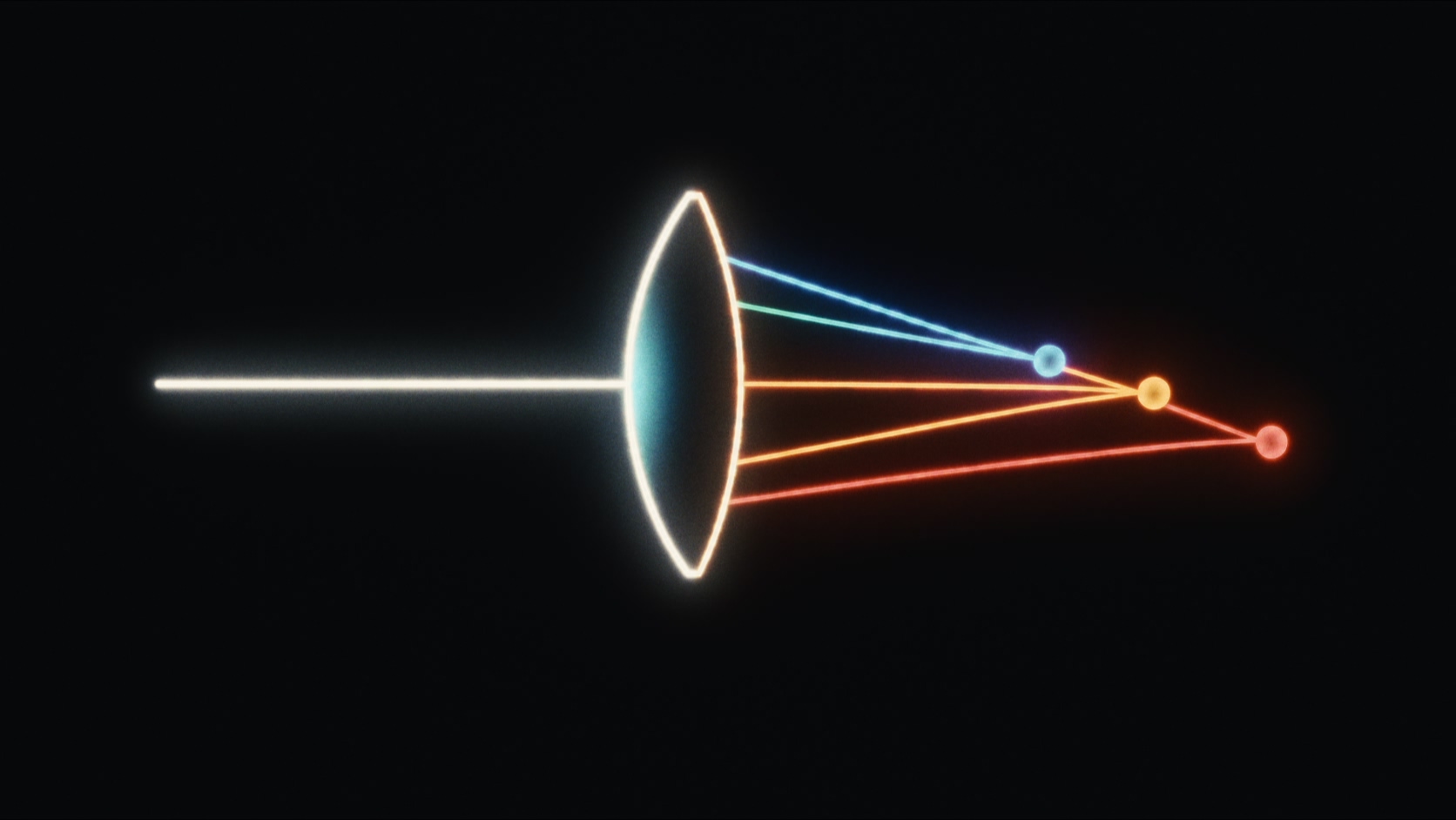
Aberration is the colour separation you see around the glass. Open Creative Settings › Aberration to turn it on and adjust it.
Aberration can impact performance significantly. Bear this in mind when enabling it.
Mode
Choose Off, Continuous, or RGB Split.
Off
Turns colour separation off. To soften the glass instead, use F-Stop and Focus Shift.
Continuous
Gives you a smooth spread of colour. This is usually the nicest option. Use Hue Rotation to change the colours in that spread.
RGB Split
Separates red, green, and blue. It’s faster, and when it’s subtle it can look alright. Turn the strength up too far and the separate colours become pretty obvious, so try Continuous if it’s falling apart.
Strength
Increase Strength for more color separation. Reduce it for a more subtle result.
Hue Rotation
Changes the colours in Continuous mode. Try it if the colour separation is good but the colours themselves aren’t working with the shot.
Continuous and RGB Split both disable Cache. If you need faster playback, lower Quality while you work, use a render cache, or lower playback resolution in your app.
Related control: Highlight Boost
To change the brightness of filtered highlights, use the separate Highlight Boost control in Creative Settings.
 Made in California