


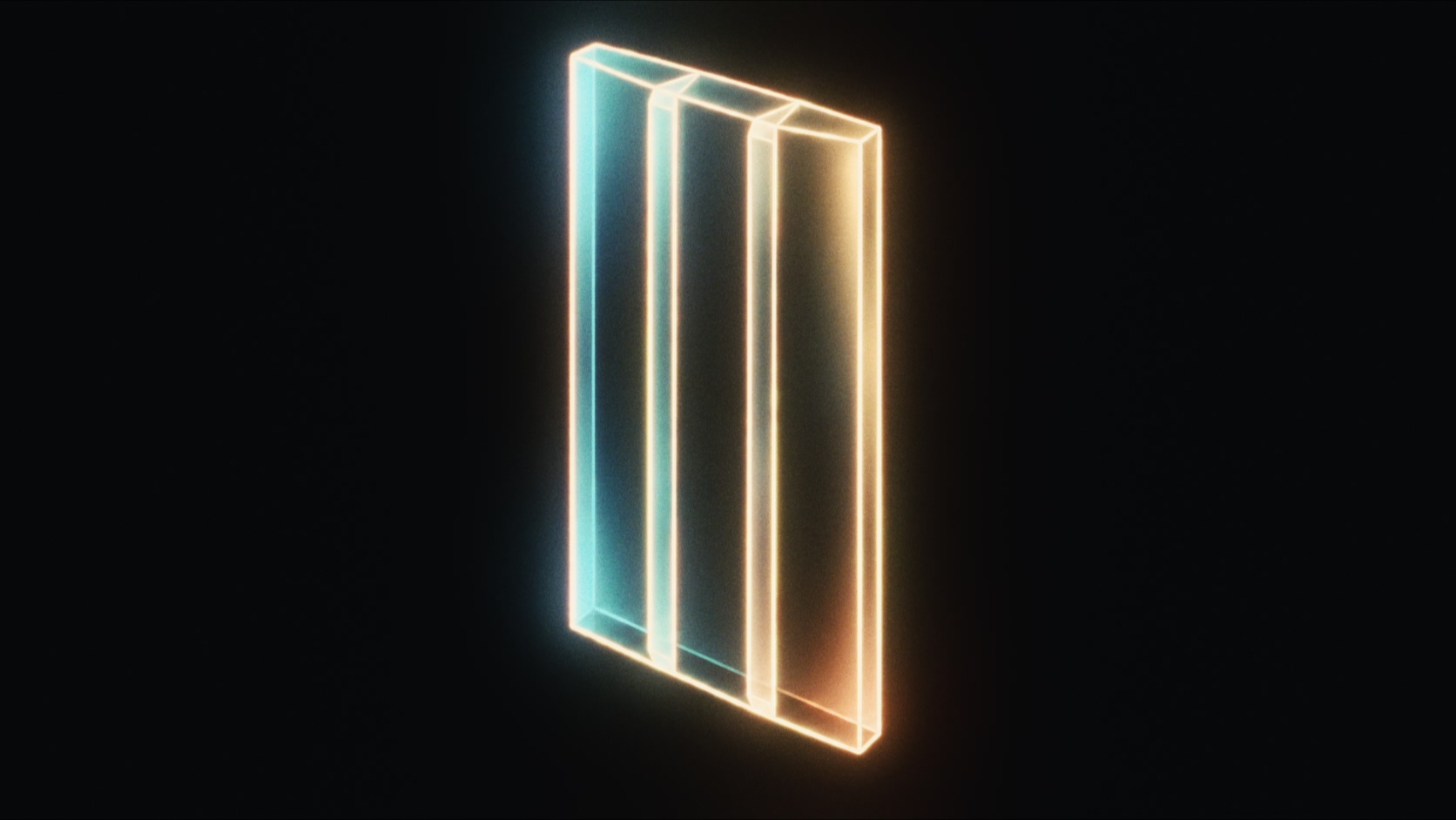
Open Creative Settings › Bevel to add a bit more realism to the edges. It can be quite subtle, but makes the shape feel less perfect.
Bevel Edges
Turn this on to soften the sharp corners of the glass. This won’t do anything by default, it just enables the controls below.
Width
Increase this to make the bevel wider. Turn it up to see what it’s doing, then bring it back down if you just want a small amount.
Roughness
Softens and spreads the highlights along the bevel, separately from the rest of the glass. Use it with the main Reflections controls.
Subdivisions
1 gives the bevelled edges a straight, angled cut. Turn it up to make the edges more round.
Angle Limit
Chooses which edges get bevelled with a threshold based on how angled they are. The default is usually fine, but with your own model you might need to change it. If the bevel disappears, bring the angle back down.
 Made in California