


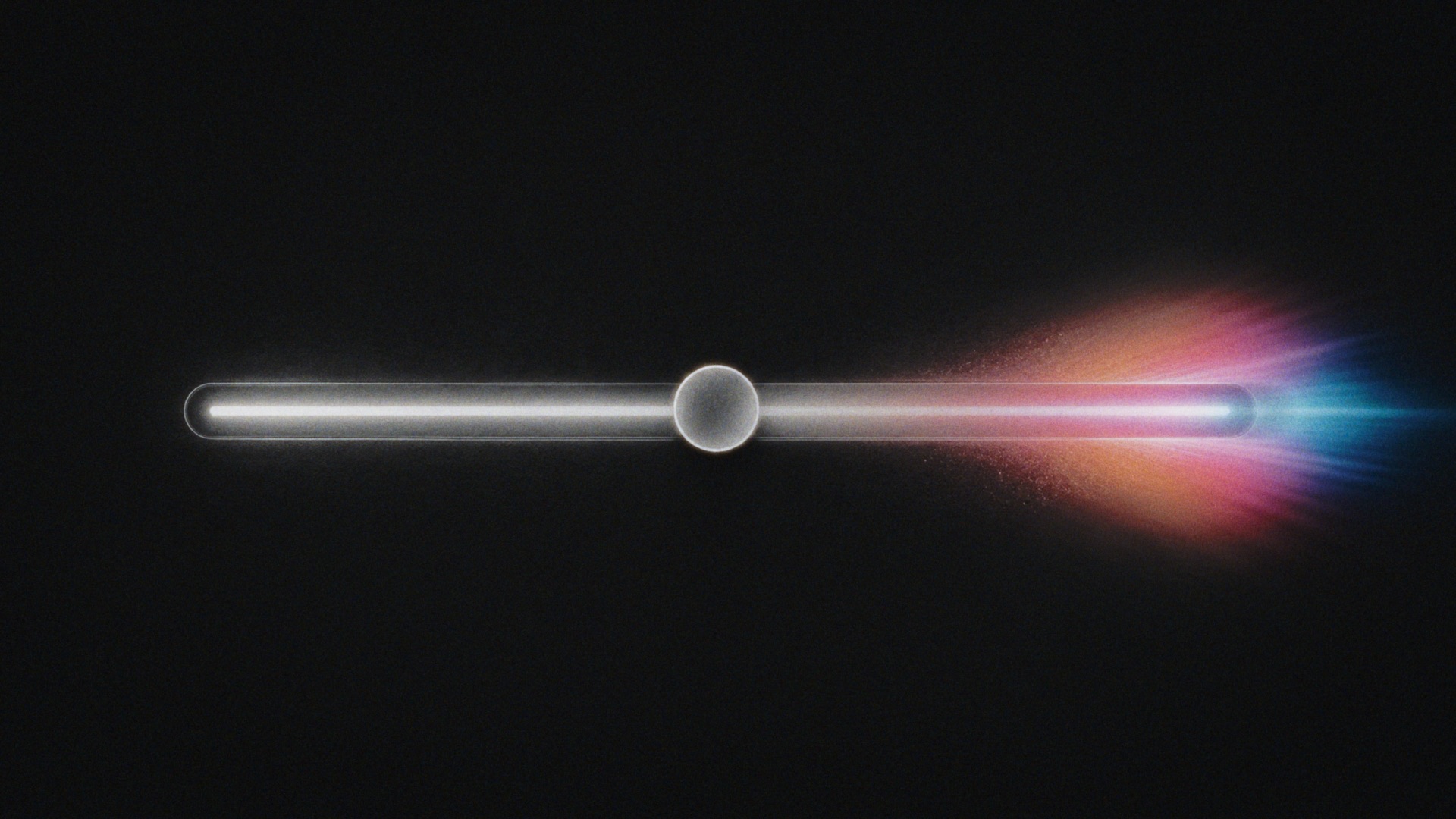
Open Creative Settings › Exposure to blend the result with the original image and adjust filtered highlights.
Master Opacity
Blends the finished effect over the original image. 100 gives the full effect; 0 gives the original image. Reduce it to mix some of the original image back into the result.
Highlight Boost
Boosts highlights before filtering and applies an inverse curve afterward. It can make blurred highlights more prominent. 0 disables the control.
 Made in California