


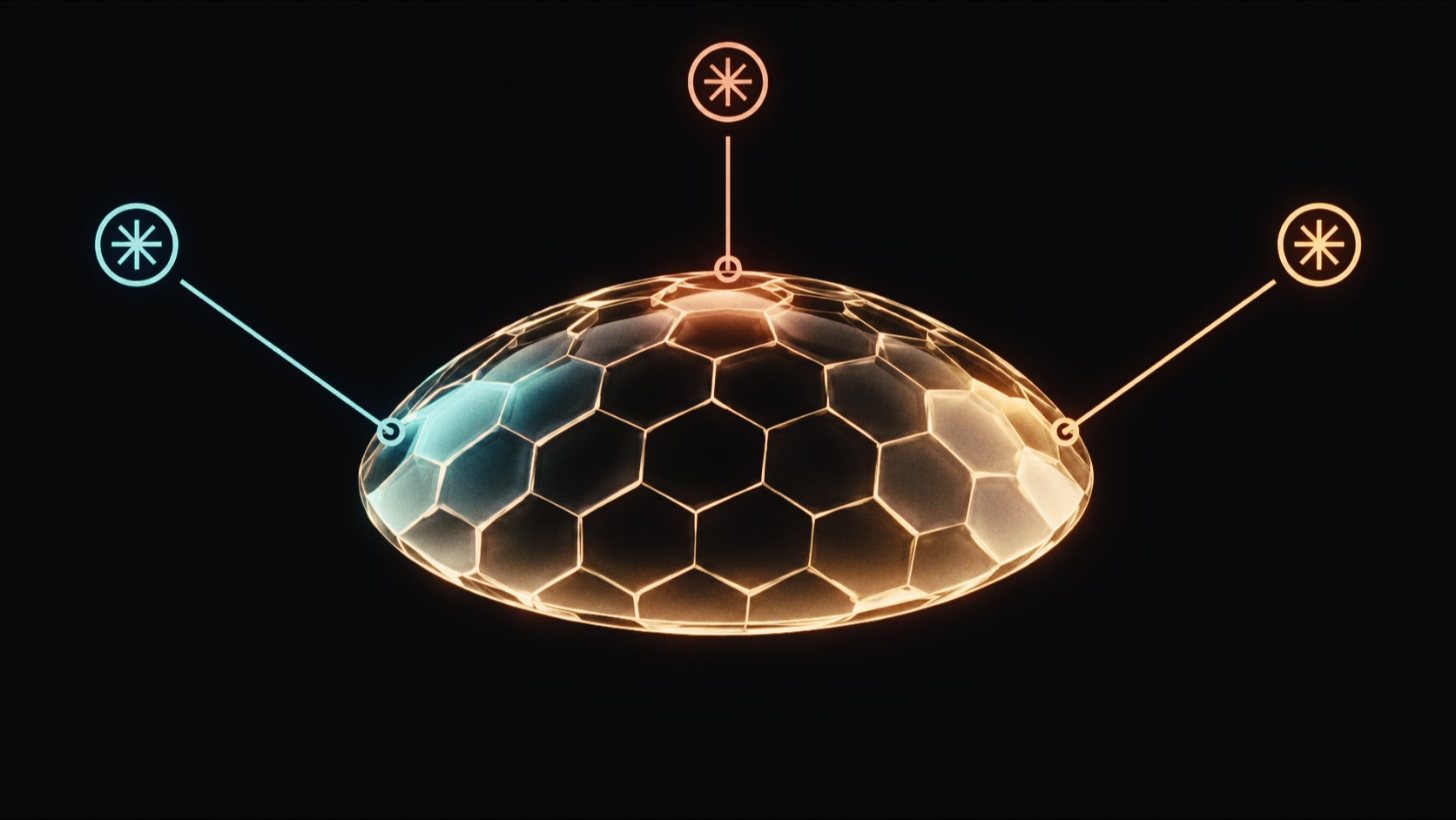
Open Creative Settings › Reflections to add light to the glass surface. Additional controls become available when reflections are enabled.
Reflections
Choose a reflection source:
- Off disables reflections.
- Source Image uses image-based reflections.
- Virtual Light uses the virtual lights.
- Both combines image-based reflections and virtual lights.
Virtual Lights
Available with Virtual Light or Both. Select one, two, or three lights.
Strength
Scales reflection intensity. 0 disables reflections; 1 uses the natural glass reflectance.
Roughness
Spreads reflected rays to soften the reflection. 0 gives a polished surface. Increase it to make reflected details less distinct.
Reflection Mode
Choose how rough reflections are rendered:
- Trace traces each reflection accurately and keeps it sharp at the edges of each face. It is slower.
- Fast (inaccurate) softens reflections as a post-process. It is much faster, but reflections can spread past the edges of a face.
Use Trace when reflection edges are visible in the shot. Fast is often enough when they are not.
Samples
Sets the number of samples used for reflection roughness, from 1 to 64. Higher values reduce noise in rough reflections and take longer to render.
Light 1 / Light 2 / Light 3
The number of available light groups follows Virtual Lights. Each group has the same controls, in this order.
Exposure
Sets light brightness in stops. +1 doubles brightness; −1 halves it. It does not change source-image reflections.
X-Y
Sets horizontal and vertical offsets in pixels from the image center. Drag the light circle to position it, or enter the offsets here.
Depth
Sets depth relative to the camera. 0 is at the camera, positive values move into the scene, and negative values move behind the camera. It uses the same units as Glass Depth. The diagonal light handle also adjusts depth.
Angular Diameter
Sets the light diameter in degrees. 0 gives a directional point highlight. Larger values create a disc in reflections. Roughness softens the reflection.
Kelvin
Sets color temperature. 6500 K is neutral.
Tint
Shifts color toward magenta at positive values or green at negative values.
Related controls: Bevel
Beveled edges have their own Roughness control. See Bevel to adjust the edge geometry and its reflections.
 Made in California