


Mix & Match allows for control of the individual settings behind LensNode’s effect layers. The main lens selection dropdowns set all of the individual controls to the same profile in one action, but each characteristic can be swapped to a different profile if desired.
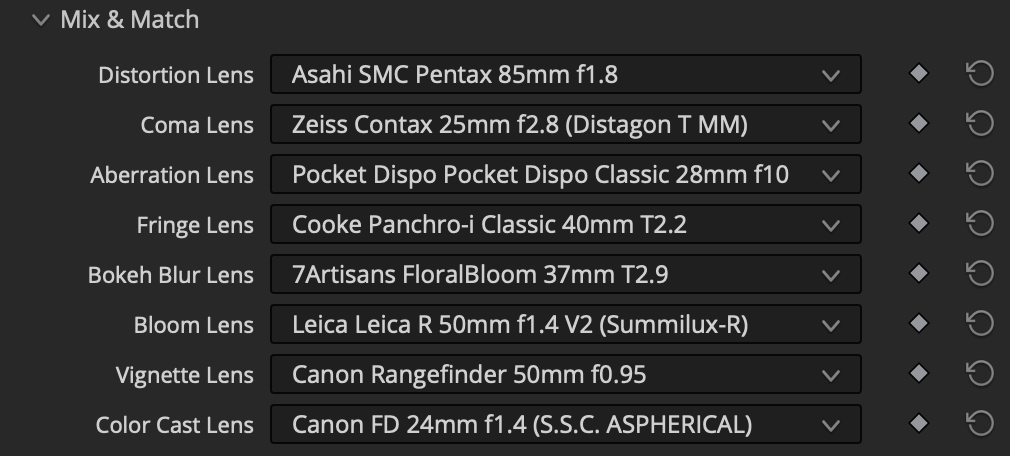
How Mix & Match works
Because each of the eight characteristics can be assigned a different lens profile independently, you can combine traits that never co-existed in a real lens. Now with around 100 total selection options for each of the 8 dropdowns, the possible combinations are near 10 quadrillion (yes, you read that right).
An example custom lens
As an example, you could choose:
- the Bokeh Blur from a Helios 44-2,
- the Chromatic Aberration from a Cooke S4,
- the Vignette from a Voigtländer Nokton, and
- the Coma from a LOMO Illumina.
The result is a simulated lens that doesn’t exist anywhere in the real world, assembled entirely from real captured characteristics. For a step-by-step walkthrough, see the tutorial Building your own lens profile.
 Made in California