


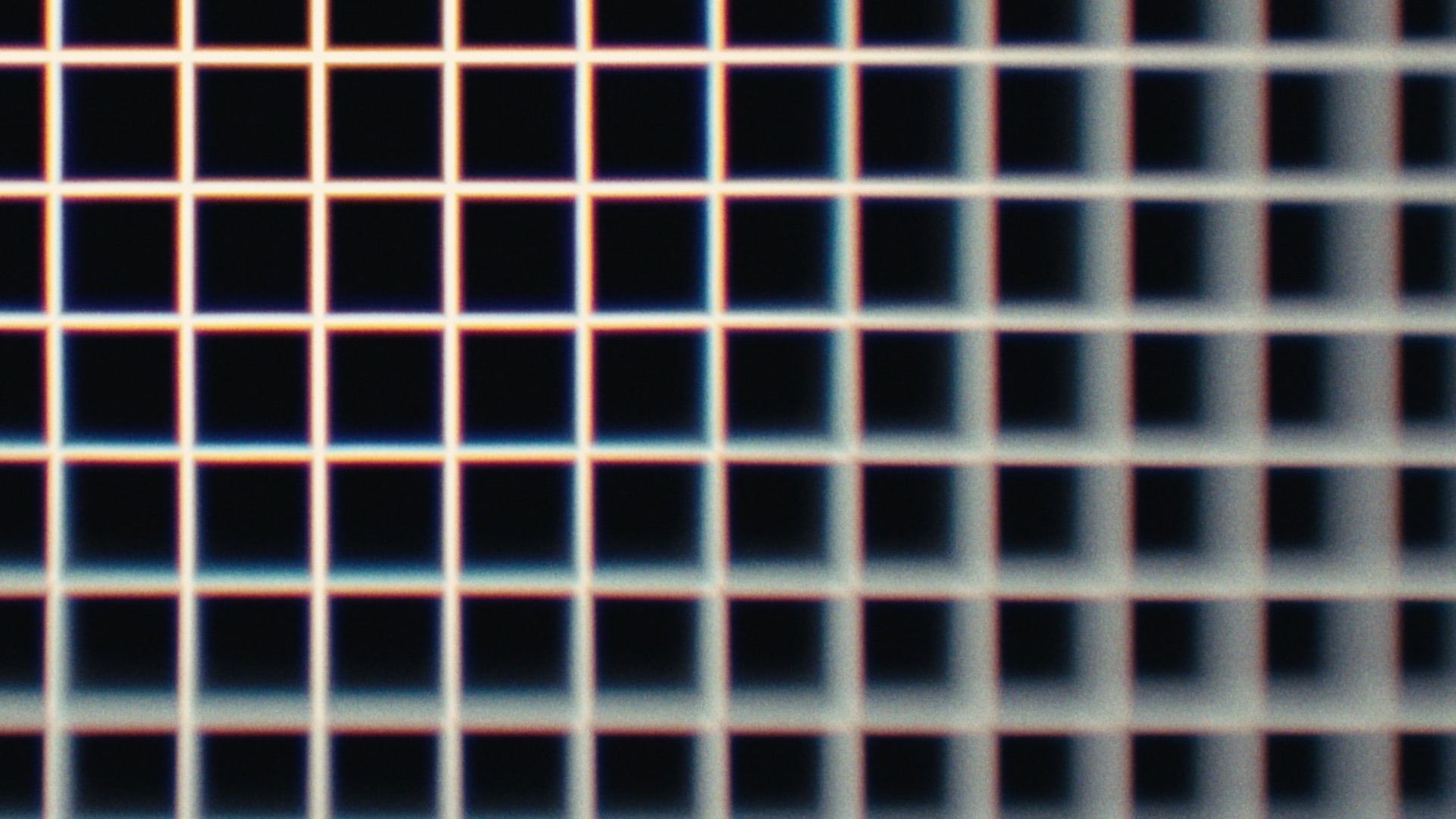
The f-Stop Sharpener affects the center of the image, and gets its name from the way a real lens sharpens in the center as it is stopped down.
What it does
Turning this control up reduces LensNode’s effects in the middle of the frame. The more you turn it up, the larger the affected central area becomes. This effectively cleans up the image from the center outward, while the edges keep their character. At its maximum setting, even the edges will be affected.
What it doesn't do
It is not a true f-stop simulation. The name only refers to how a real lens sharpens as you increase its f-stop. It also does not affect any depth blur if LensNode is using a depth map. For more on depth map usage, see Bokeh Boost / Depth Gain.
 Made in California