


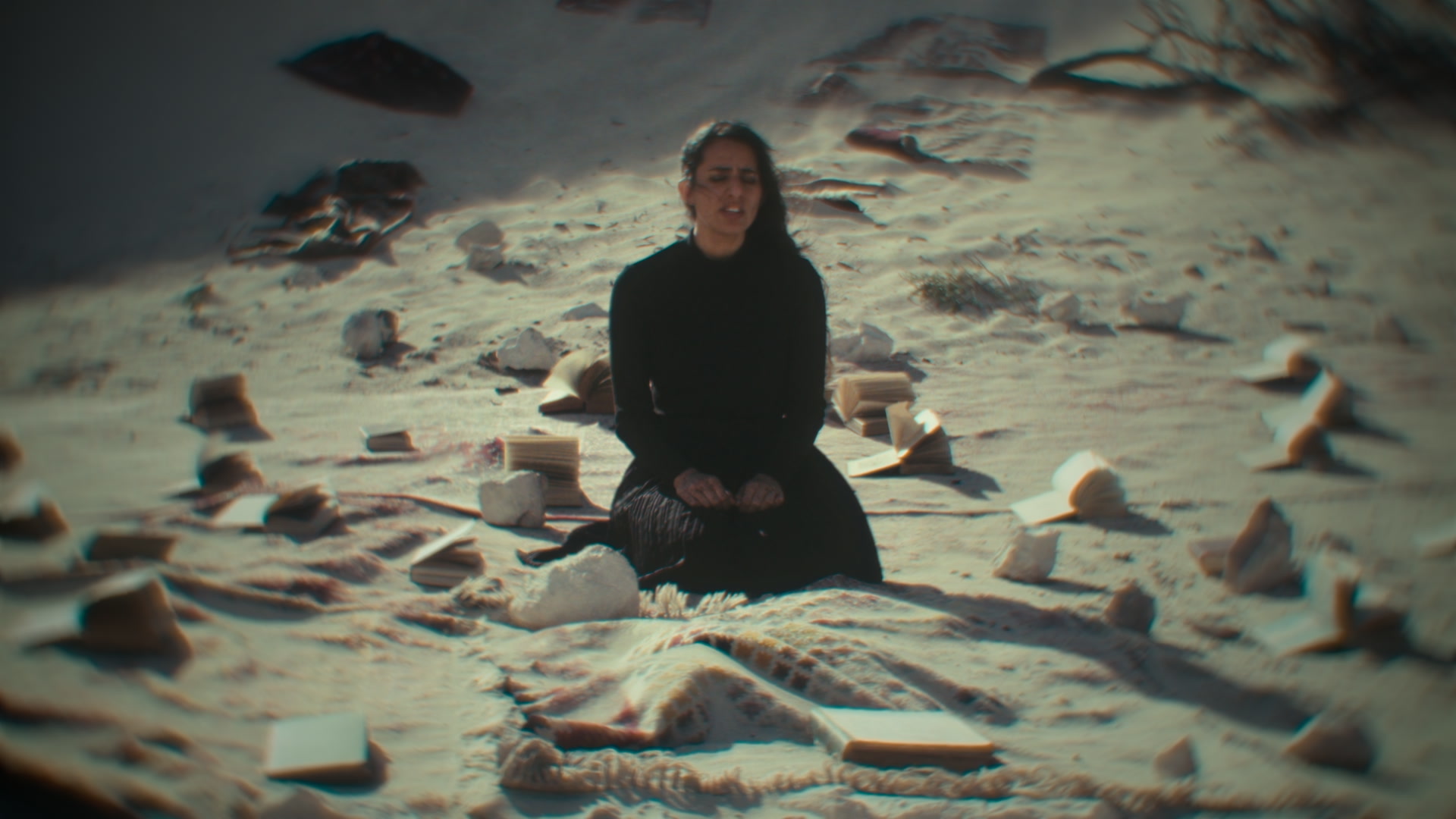
LensNode profiles are calibrated to behave like the real lens, but being a post effect, the fun doesn’t have to stop there. Overdrive extrapolates beyond the captured profile, pushing our accurate simulations into deliberately stylized looks.
Push everything at once
With a profile chosen, raise the Overdrive slider. This scales every effect layer simultaneously. Bokeh blur gets bigger, distortion bends more, aberration separates further. A little goes a long way here. It’s also worth noting that under the hood we have placed limits on how much each effect can be “overdriven”, to keep things looking realistic as often as possible. That doesn’t mean you can’t force LensNode to go a bit crazy though. Experimentation is encouraged.
Overdrive one characteristic at a time
For more control, push the Extend Ranges button at the bottom of the Individual Controls section. Values above 1.0 act like an individual overdrive for each respective characteristic, and they stack with the global overdrive too.These controls can be useful when you want really strong edge blur alone, without exaggerating anything else, for example.
Keep it intentional
Exaggerated lens effects read as a creative choice when they’re motivated. Generally it’s best to use them sparingly and pick narrative moments to really push these effects, or use them technically to achieve a certain goal, rather than applying them to everything all the time. Sometimes though, you do just need to add some funk to your footage across the board.
 Made in California