


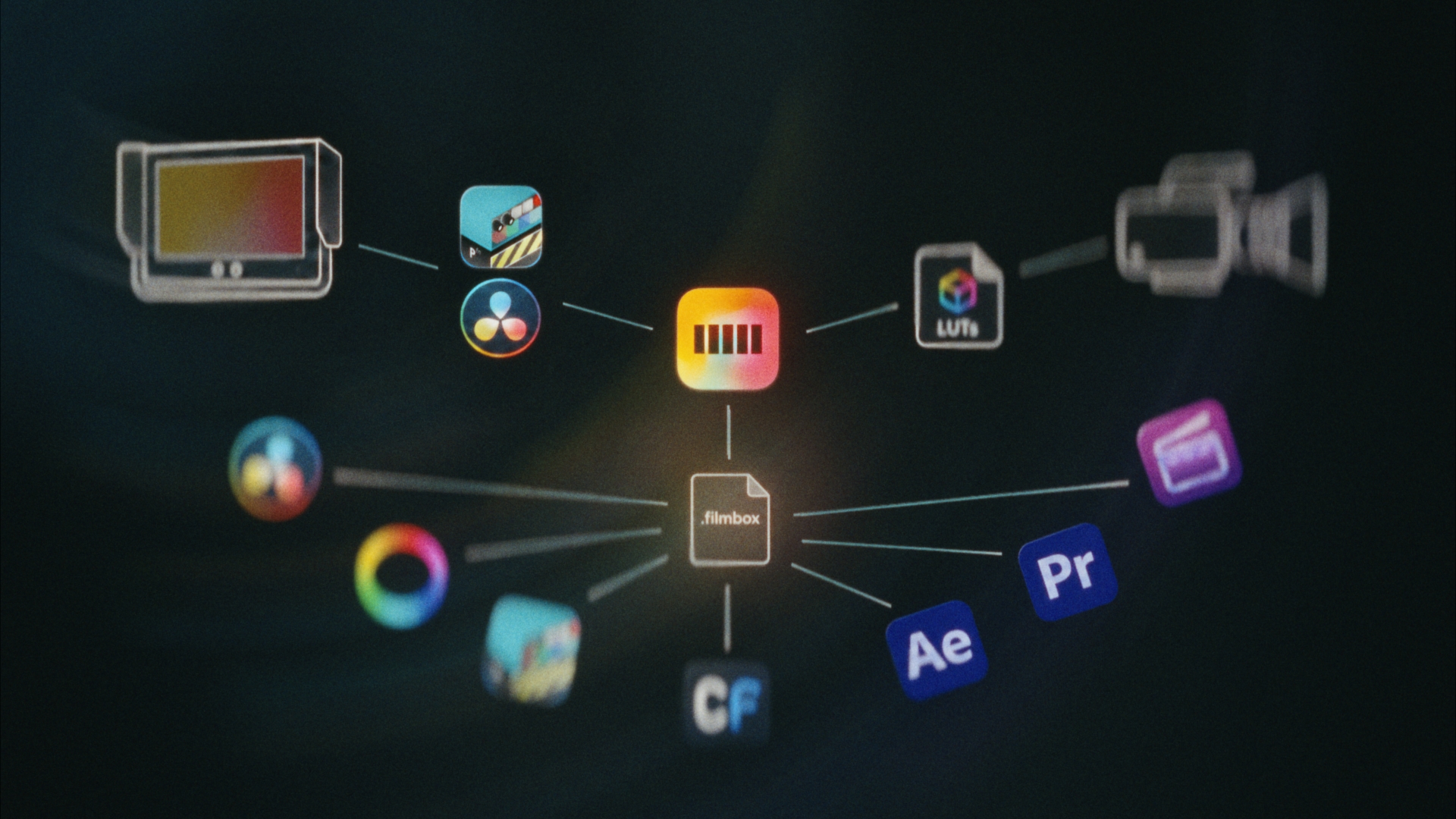
Move Filmbox grades between editing software with .filmbox files, into cameras and monitors by generating LUTs, and view live feeds with Filmbox color and texture processing.
User presets
You can export any look you create with Filmbox as a .filmbox user preset file that stores every Filmbox parameter and can be sent to a collaborator and loaded into another project on any host that can run Filmbox. This enables color and texture decisions to be seamlessly transported between Resolve, Premiere, Final Cut, After Effects, Livegrade Frontier, Baselight, and Colorfront.
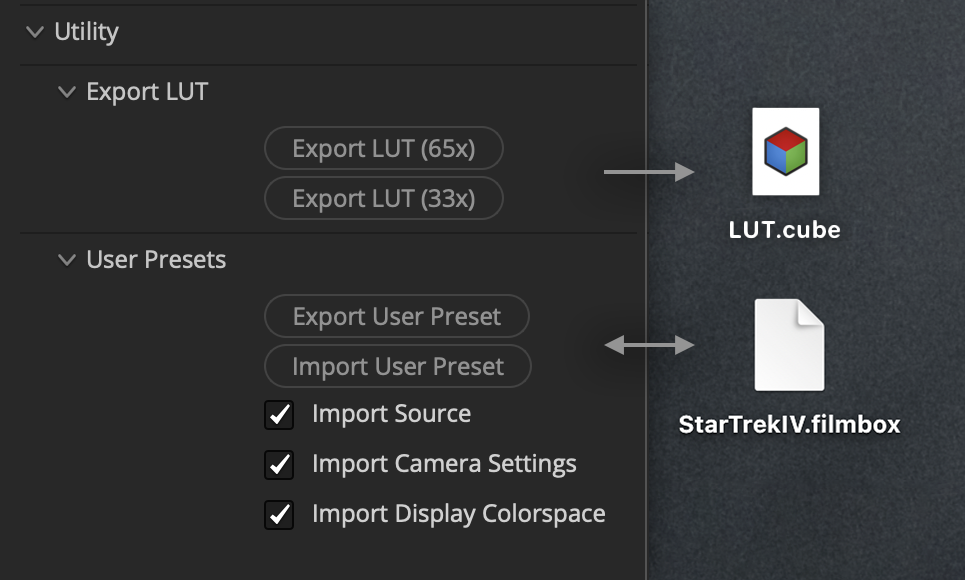
Under Utility > User Presets, click Export User Preset to save the current configuration as a .filmbox file, and Import User Preset to load a .filmbox file.
When importing, you can choose to load colorspace-related settings from the user preset or to keep them unchanged.
LUTs
Filmbox Pro can export the active configuration as a 33-point or 65-point LUT for use in various software, monitors, and cameras. The LUT metadata records the color pipeline settings used to generate it and can be viewed in a text editor or Lattice.
LUTs carry the sum of all active Filmbox input and output colorspace transforms and color and tone processing, but not grain, halation, or any spatial processing.
Filmbox also works with Resolve’s built-in LUT export functions.
Live on-set preview
Filmbox is quite performant and can be used to process a live camera feed for real-time on-set preview with full color and spatial processing including halation and grain. This functionality is supported by Pomfort Livegrade Frontier and Resolve Live in DaVinci Resolve.
 Made in California