


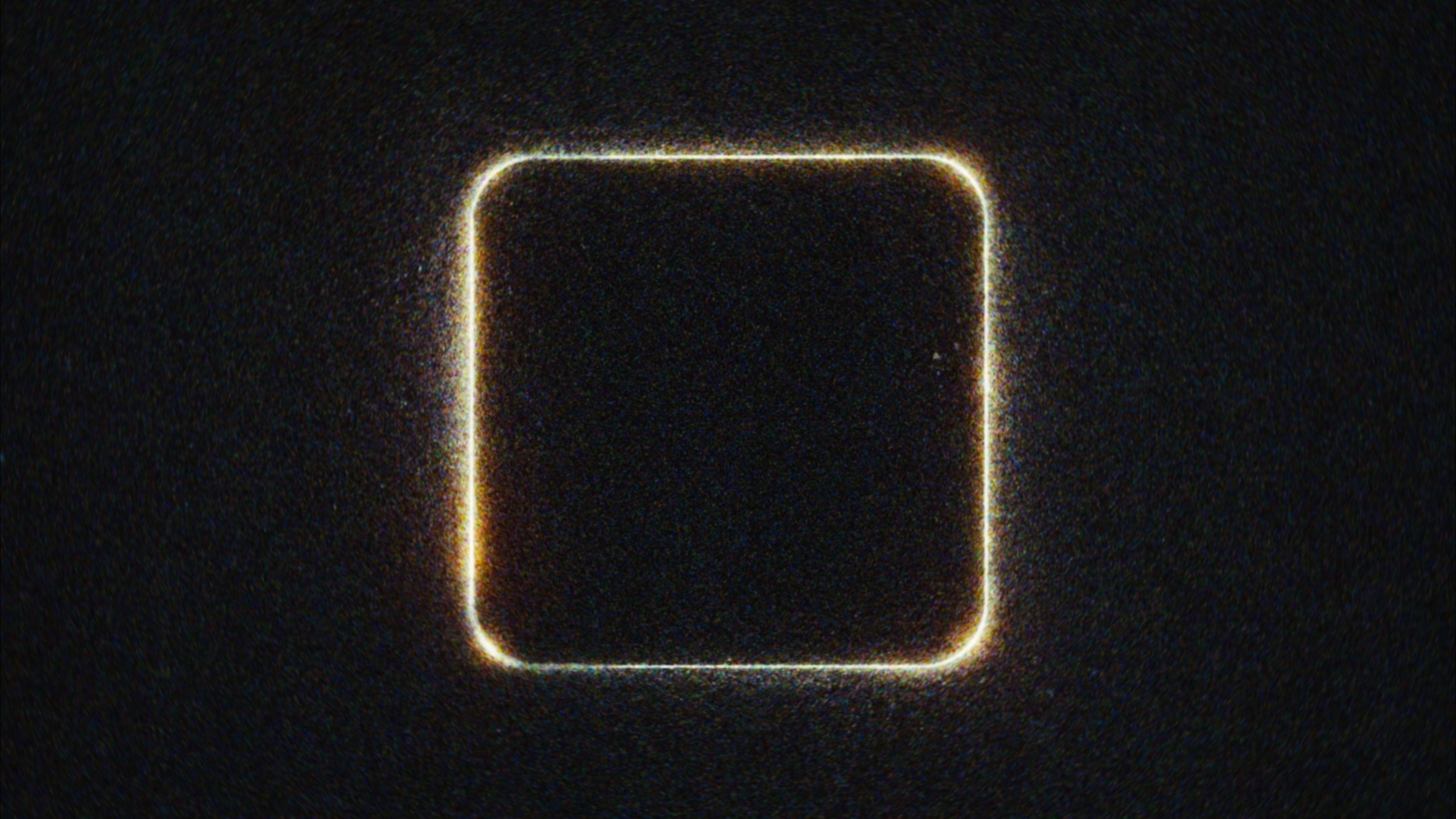
“Halation & Grain Only” mode
Filmbox’s Color processing can be disabled, allowing you to use Filmbox as a powerful texturing system to impart accurate and configurable Grain, Halation, Aura, Gate Weave, and Acutance characteristics under your own display LUTs / emulations / color transforms.
Simply set Source to your scene-referred working space and set the plugin Mode to Halation & Grain Only (this mode is only accessible under the Vision3 system).
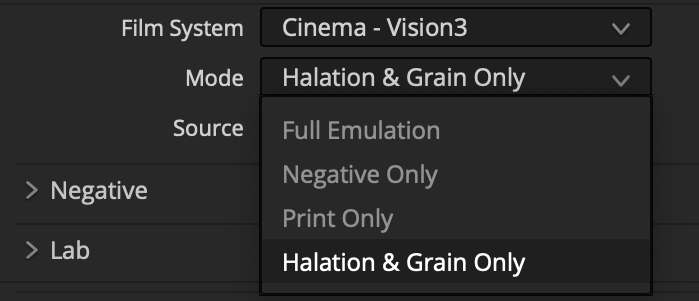
Filmbox will now perform spatial processing only and return the image with no color transforms in the same colorspace as Source.
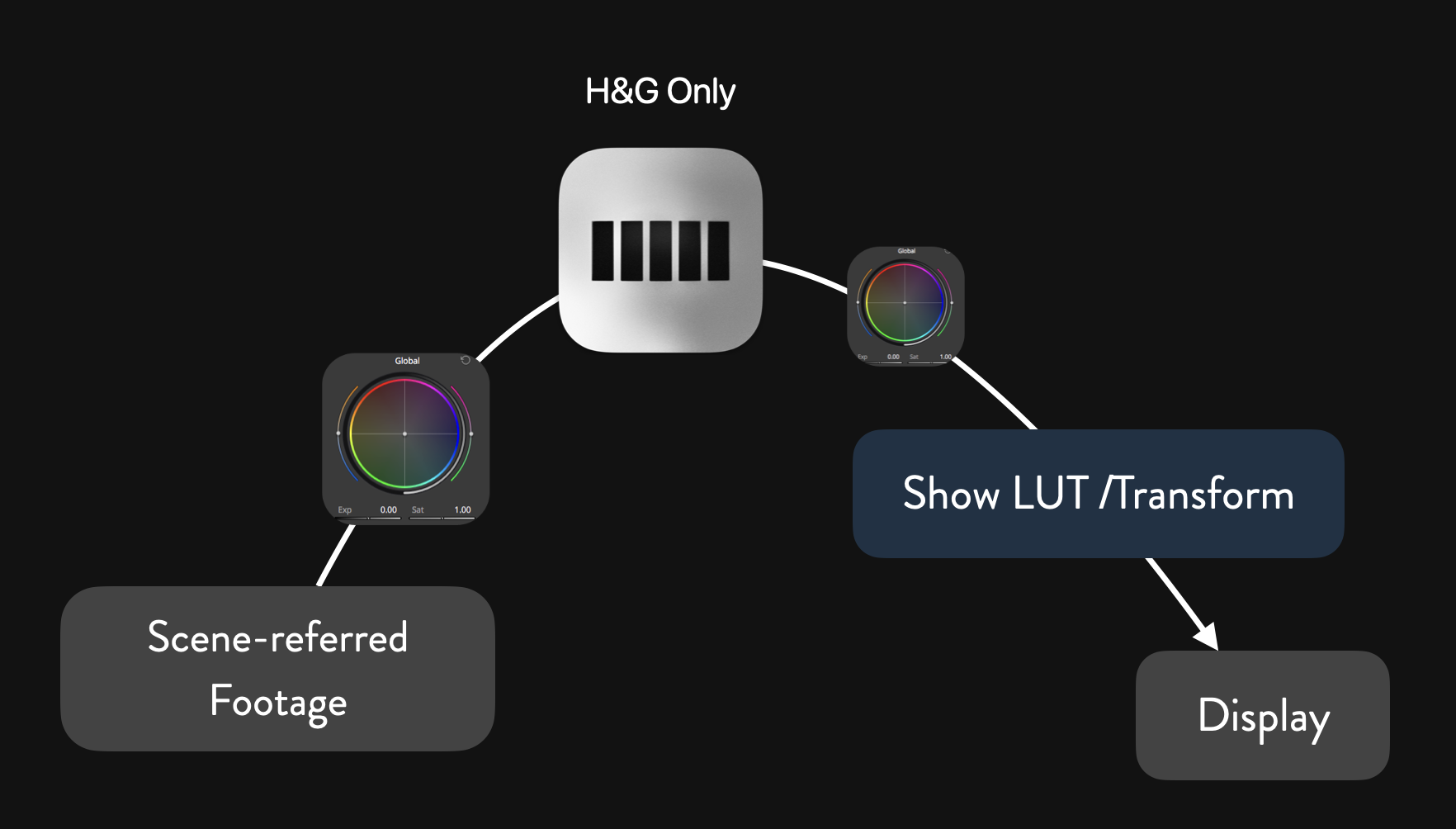
The same concepts covered in Grading with Filmbox apply in this mode in terms of the effect that doing color operations before or after the Filmbox node will have on the spatial processing.
It is possible to use Halation & Grain Only mode after your LUT or display transform if you really need to. Just set Source to one of the (Inaccurate) display-referred spaces. The results will be less realistic and potentially undesirable depending on the characteristics of your display transform.
 Made in California