


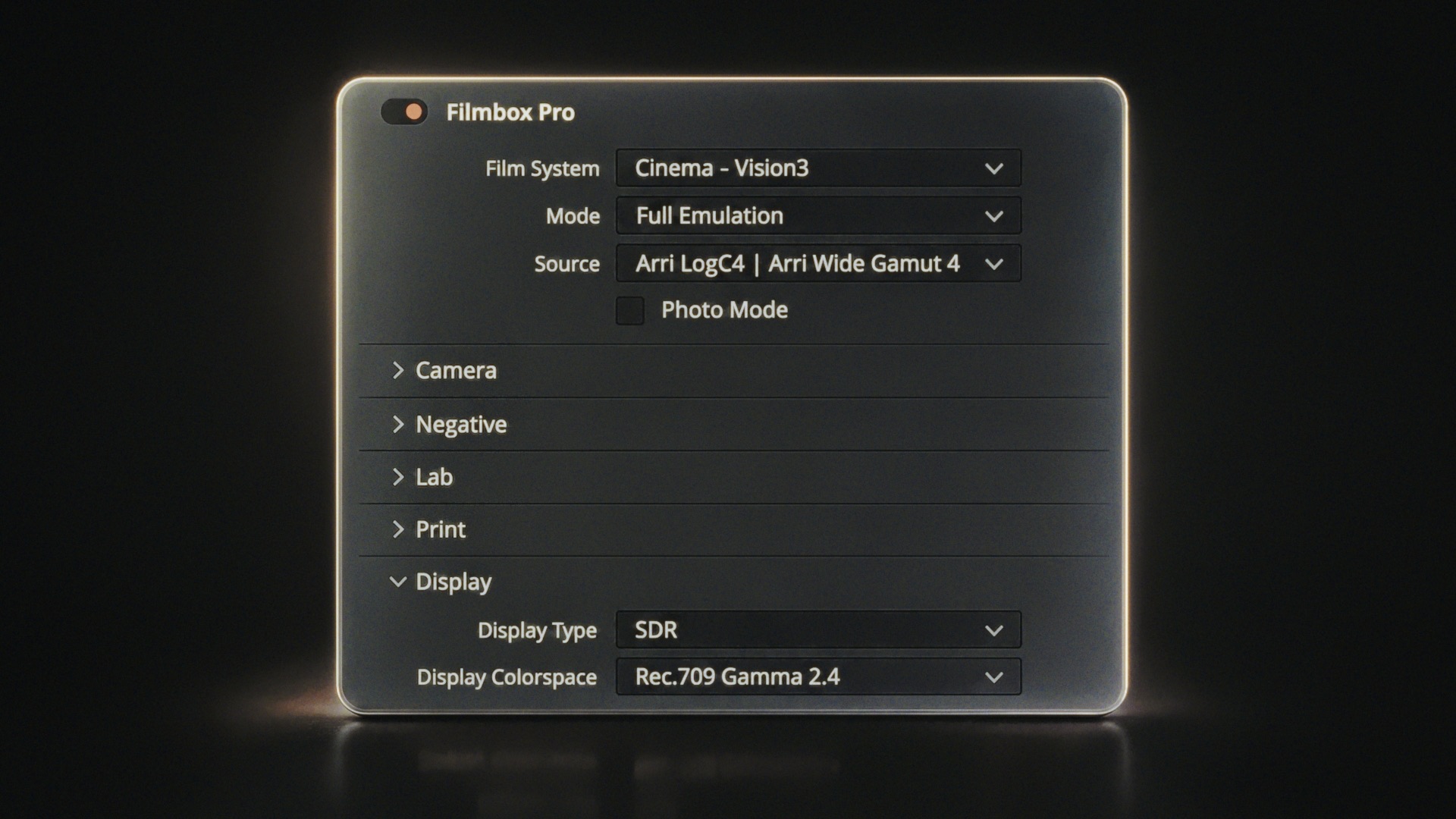
Welcome to Filmbox!
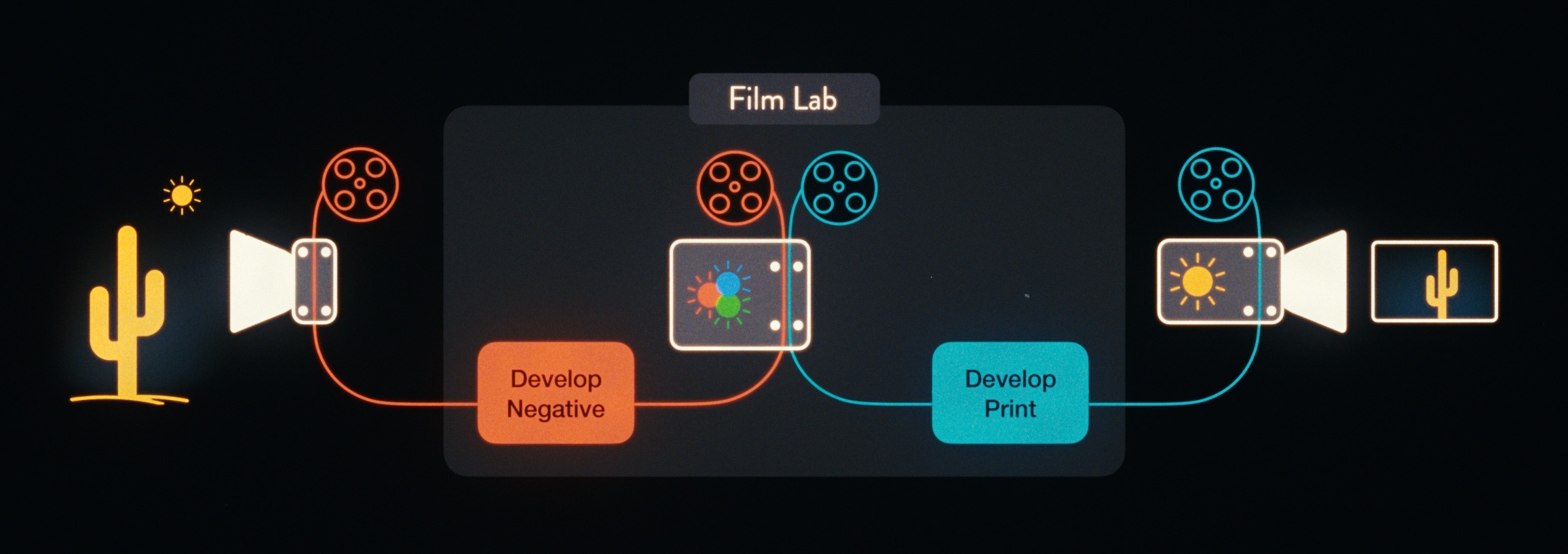
Filmbox is a scene-to-screen simulation of photochemical imaging. Light enters the camera, exposes the negative, gets developed in the lab, printed to print stock, and projected onto your display.
The Filmbox interface is organized from top to bottom in the order that light flows through this system, with global plugin settings at the top.
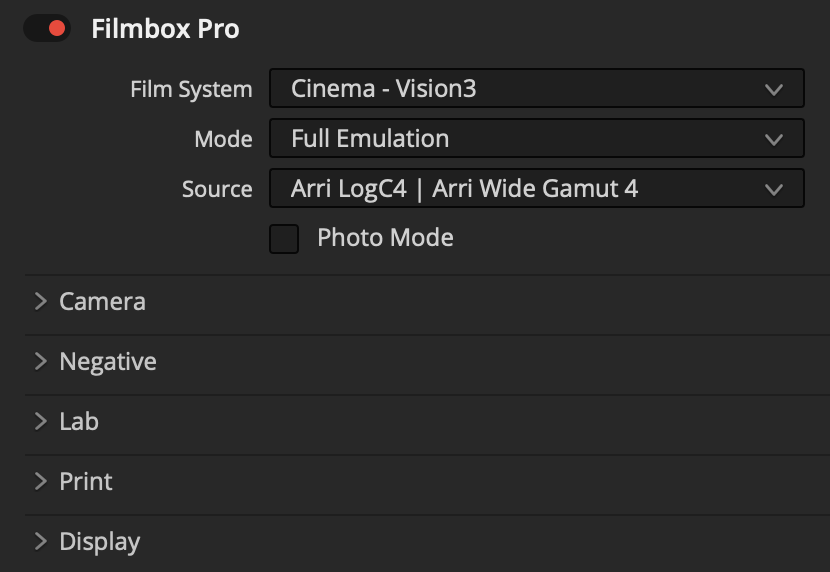
Below is an overview of each module, followed by guides for getting the most out of Filmbox.
Film System: Choose from different motion-picture and still-photo systems. Each contains a set of negatives, lab parameters, and print processes that were historically designed to work together.
Mode: Isolate parts of the Filmbox pipeline for advanced workflows, or use Resolve’s still-photo functionality with Photo Mode.
Source: Choose the color space of your footage or working space.
Camera: Adjust the camera’s exposure and color balance before exposing the negative.
Negative: Select the film negative stock and fine-tune characteristics including halation, grain, gate weave, flicker, and aura.
Lab: Creatively modify the negative before printing, with controls ranging from push/pull processing to acutance.
Print: Modify the print characteristics, from a full contact print to a telecine scan.
Display: Select the destination display color space, integrate with color-managed pipelines, and control HDR.

Looks Library: Filmbox includes a library of creative starting points that you can browse in the Looks interface and apply to the Pro interface for customization. We recommend playing around with them to get a feel for how the various elements of Filmbox interact with one another to achieve a huge range of creative goals.
 Made in California