


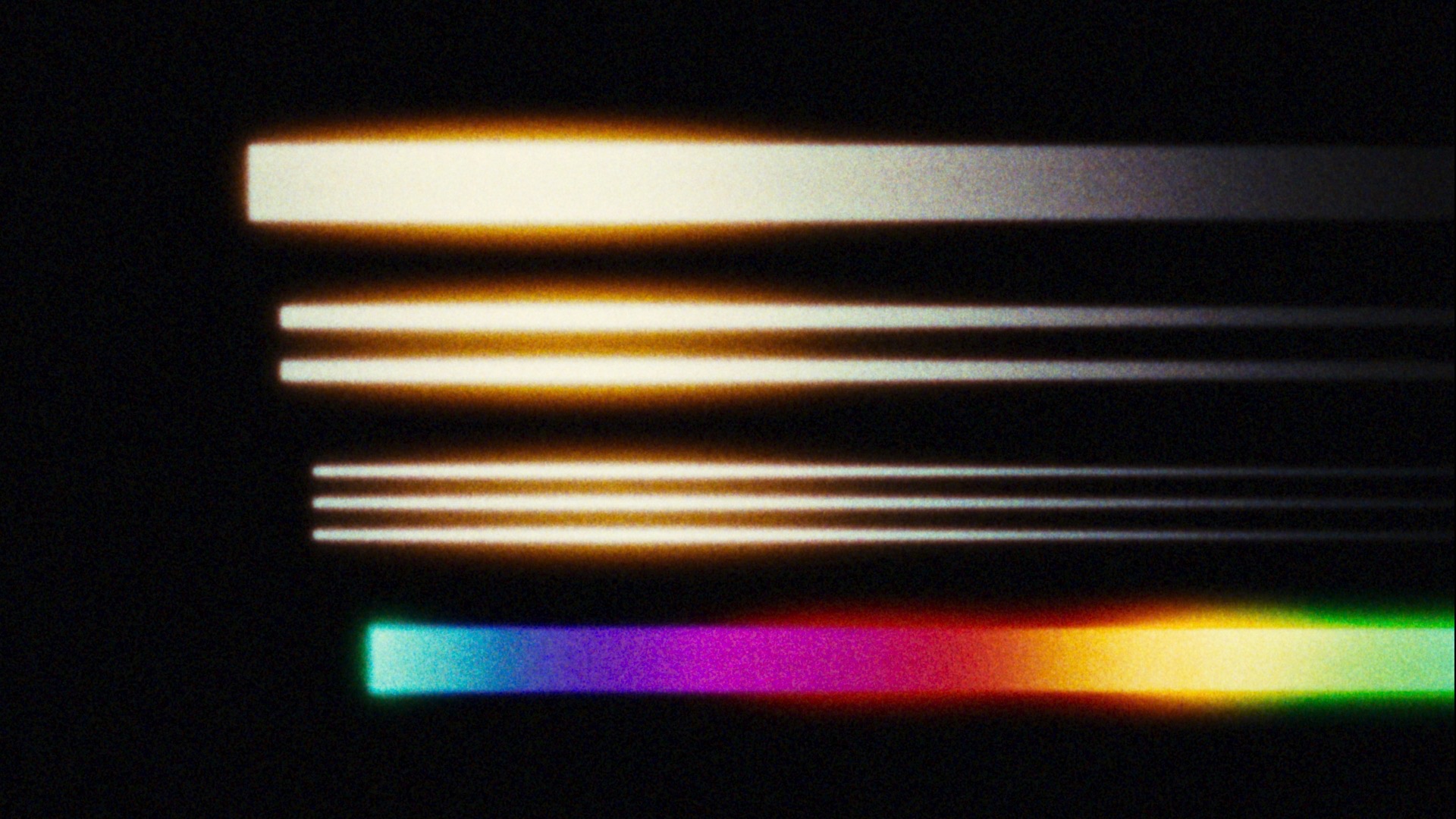
The Halation processing reproduces the unique spatial rendering characteristics of color negative film—including the diffusion of light within layers of color emulsion that produces the characteristic amber-biased halos visible especially in highlights and high-contrast image features.
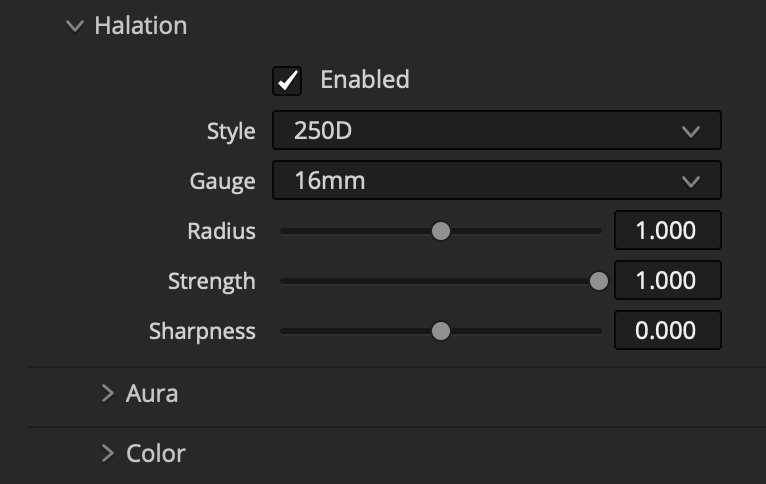
Gauge
The size of the halation falloff is a function of the size or gauge of the film plane. This parameter lets you select between a range of film gauges.
Radius
Manually fine-tune the size of the halation relative to the current style setting.
Strength
Reduce the opacity of the halation.
Sharpness
Allows more or less “resolution” to pass through halation processing, especially in mid-tones and shadows. If you’re after a sharper look without feeling “digital,” you may prefer to leave this parameter at default and increase Fine Detail Acutance in the Lab section instead.
Aura
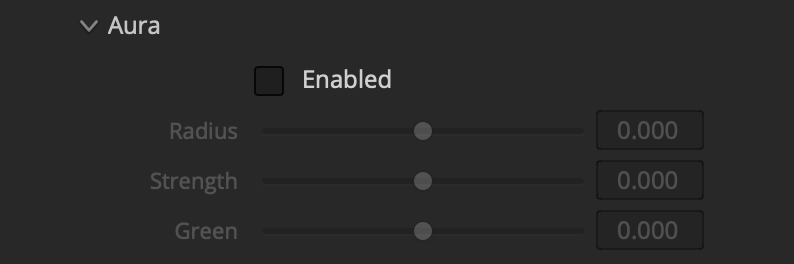
Aura is our term for the extra-large-radius halation characteristic that appears in addition to the more common small-scale halation when a motion picture negative is stripped of its anti-halation backing (like CineStill) and in other scenarios as well. For negatives that have an Aura, it can be adjusted here, and it can always be added to negatives that don’t.
Aura is influenced by the global halation parameters and also has its own size and strength controls, as well as a parameter to adjust the green channel contribution, making it appear more amber or more red.
Halation > Color
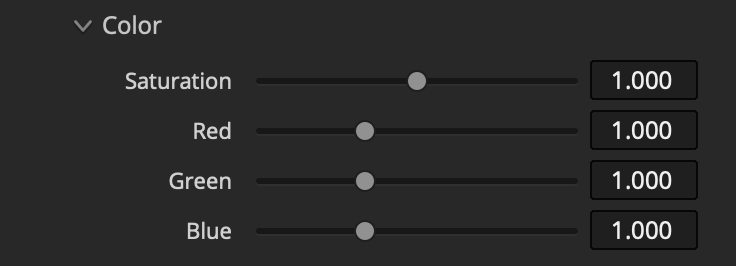
Adjust the saturation and RGB balance of the halation (and Aura).
 Made in California