


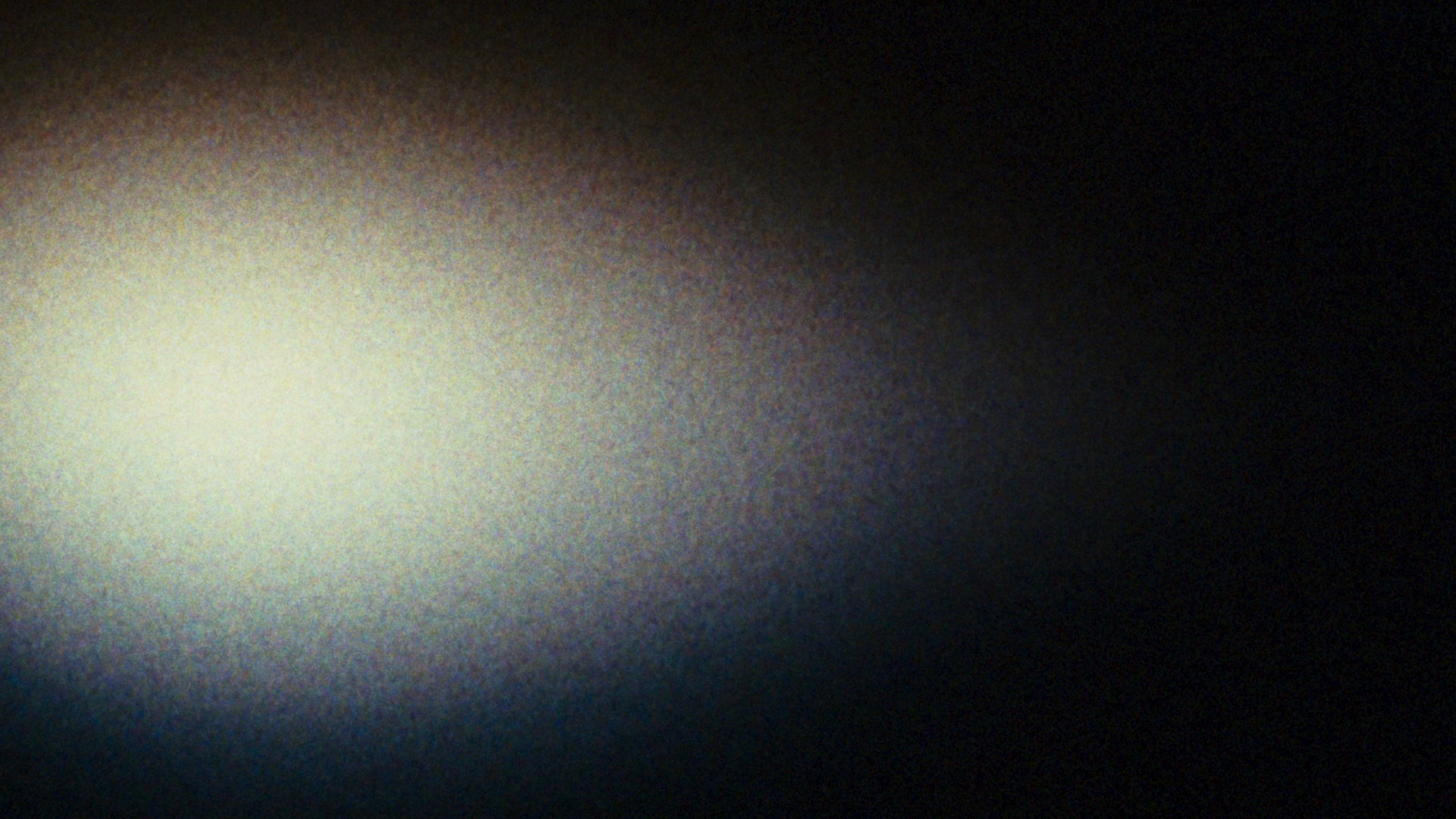
Reproduces the texture of film by mapping grain according to the density of the emulated negative.
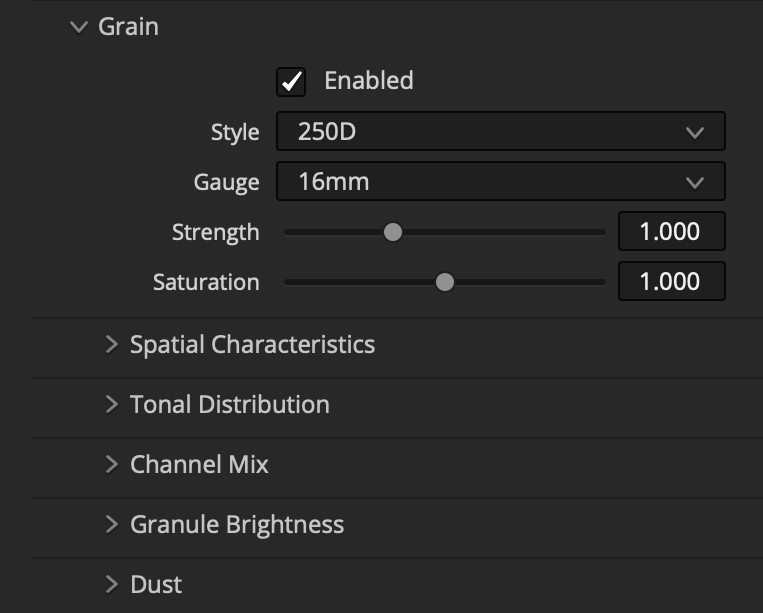
Style / Gauge
The perceptual intensity of grain varies with the sensitivity of the stock and the size of the film plane. Select a preset to approximate the perceptual intensity of different gauges and stocks.
Strength
Amplify or reduce the appearance of grain relative to the current preset.
Saturation
Adjust the color saturation of the dye clouds.
Time Offset
To avoid repeated texture, each clip with a Filmbox node has a random starting point in a deterministic progression of grain and dust. Disable Automatic Time Offset to manually change the dust and grain arrangement or to intentionally sync it to that of another clip.
Spatial Characteristics
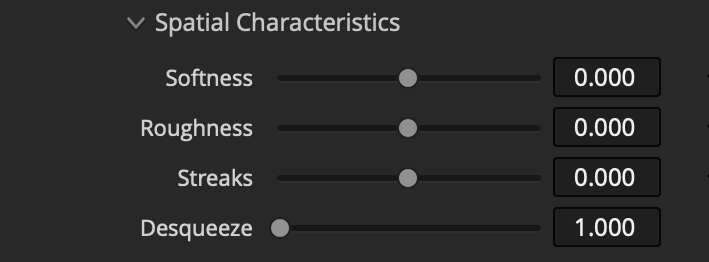
Softness: Adjust the softness / perceptual “size” of grain granules.
Roughness: Adjust the roughness / clumping of the grain structure. Low values produce “tighter,” more stable grain texture. High values create more dynamic texture.
Streaks: Increase or decrease the appearance of large, patchy variations in density and color balance or developer mottle.
Desqueeze: Vertically scale the grain to simulate a negative that has undergone anamorphic de-squeeze.
Tonal Distribution: Simple / Advanced
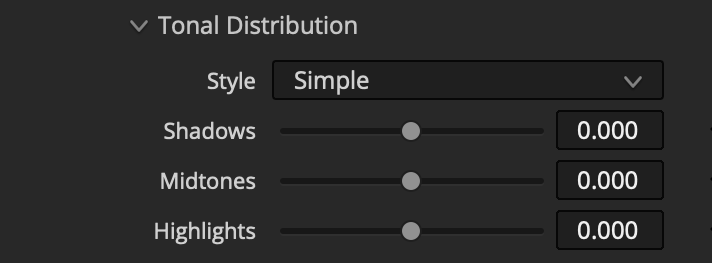
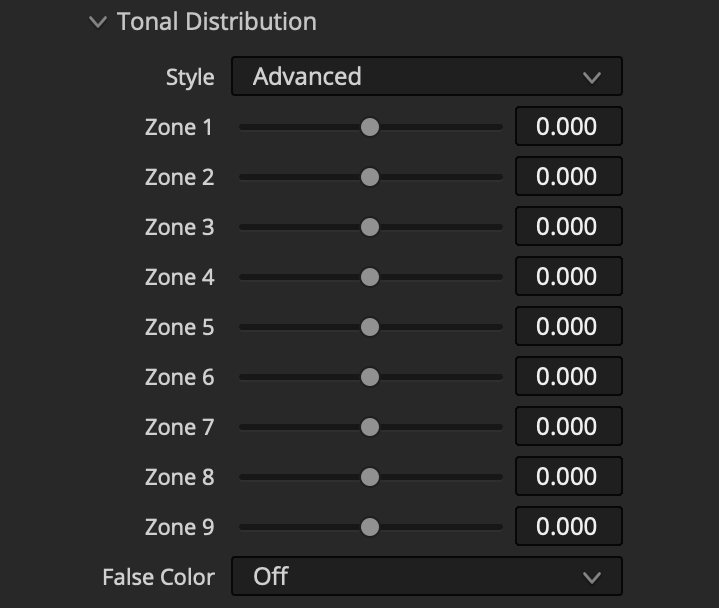
Choose between Shadows / Midtones / Highlights controls or an advanced 9-zone system for targeted adjustment of the intensity of grain in different parts of the tonal / density range of the negative.
Advanced mode offers sliders for 9 tonal ranges of the image from dark to light arranged such that the zones are more evenly distributed after a display transform. The False Color function shows a red overlay to help you identify the tonal range that will be influenced by the selected zone.
Channel Mix
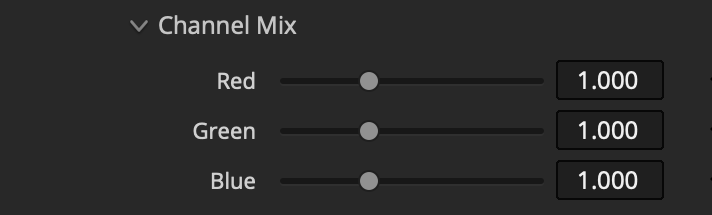
Adjust the intensity of grain in each color channel.
Granule Brightness
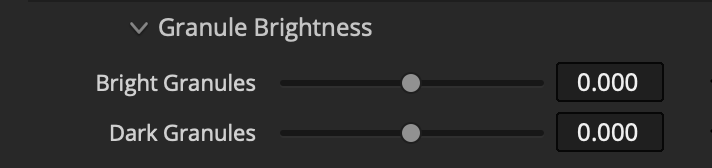
Increase or decrease the brightness of just the brightest or the darkest particles in the grain pattern. Useful for making grain more or less gritty, especially when combined with roughness and streaks controls.
Dust
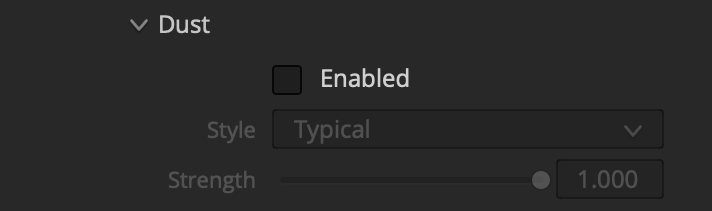
Style: Select a frequency of dust. The Light profile will never produce a large dust particle, and Very Light will never produce a particle of Large or Medium size.
Strength: Reduce opacity of the dust particles.
 Made in California