


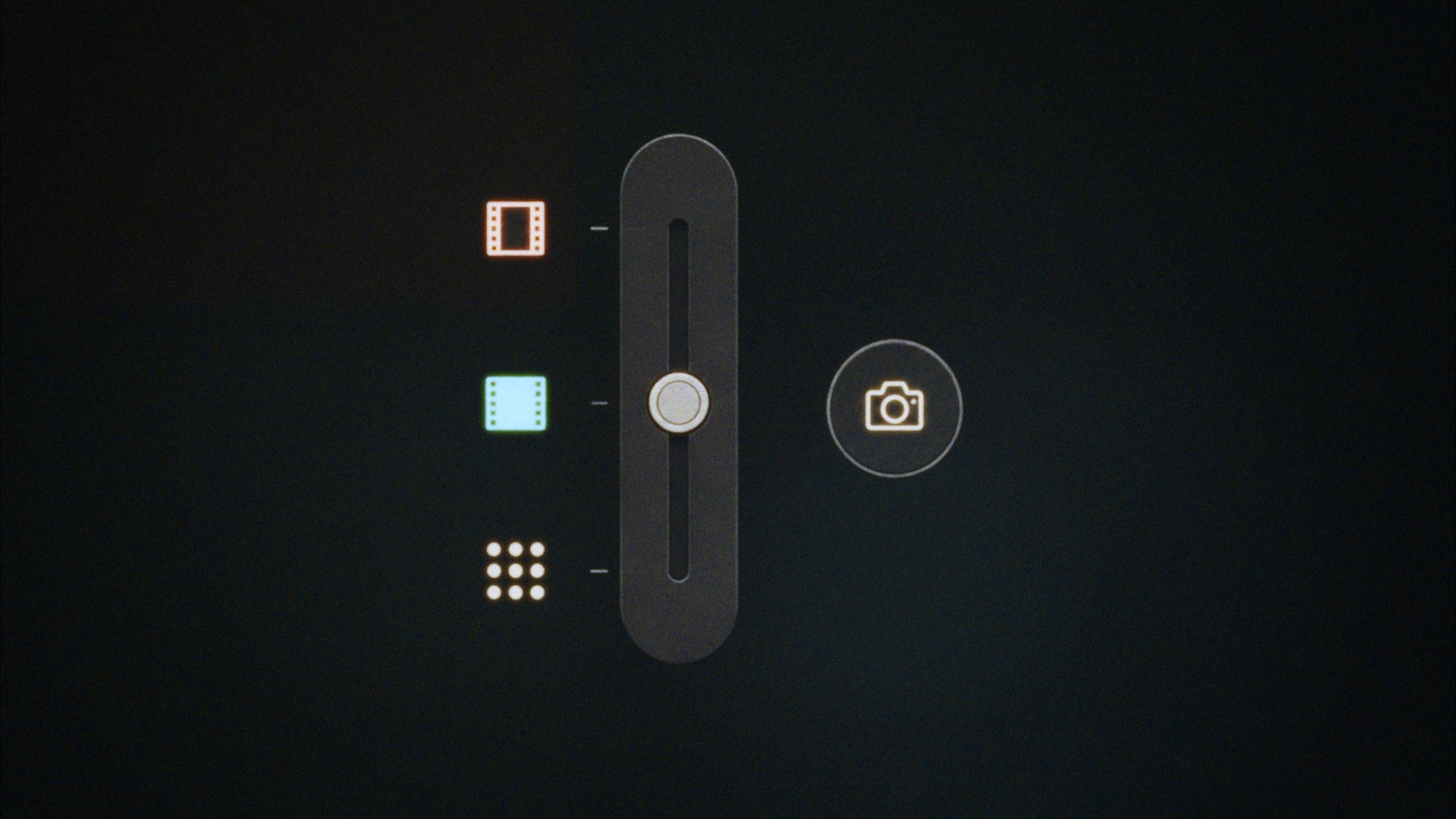
Parts of the Filmbox pipeline can be isolated by selecting different modes. This is useful for custom workflows.
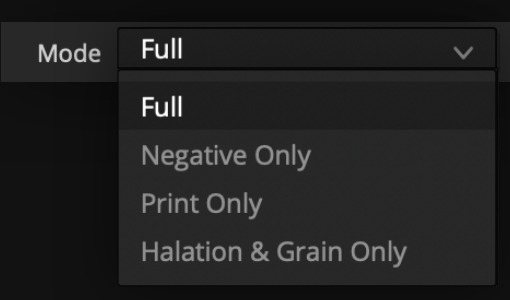
Full Mode
In the default mode, all modules of the Filmbox pipeline are active, and it functions as an end-to-end footage-to-display color pipeline. (You’ll probably want to leave this on Full unless you have something specific you want to accomplish.)
Negative Only Mode
Disables the Print module so that the resulting image has only the film negative processing and is analogous to a “Log” film negative scan. Useful for multi-node workflows. For more information about its output color space and using it with other print emulations, see Negative & Print Only FAQ.
Print Only Mode
Disables everything but the Print module; useful for multi-node workflows. For more information about the input it expects and using it with real film scans, see Negative & Print Only FAQ.
Halation & Grain Only Mode
Disables Filmbox color processing and enables halation, grain, and gate weave to operate in the source colorspace as part of your own color pipeline. See Grain & Halation Only for the complete workflow.
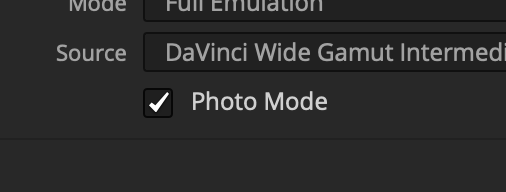
Photo Mode (Resolve Only)
Photo Mode makes it possible to use Filmbox with Resolve’s still-photography-oriented features at much higher resolutions with more detailed textural processing.
Designed for Resolve Color Management
Enabling Photo Mode automatically configures Filmbox’s source and display spaces to use Resolve Color Management.
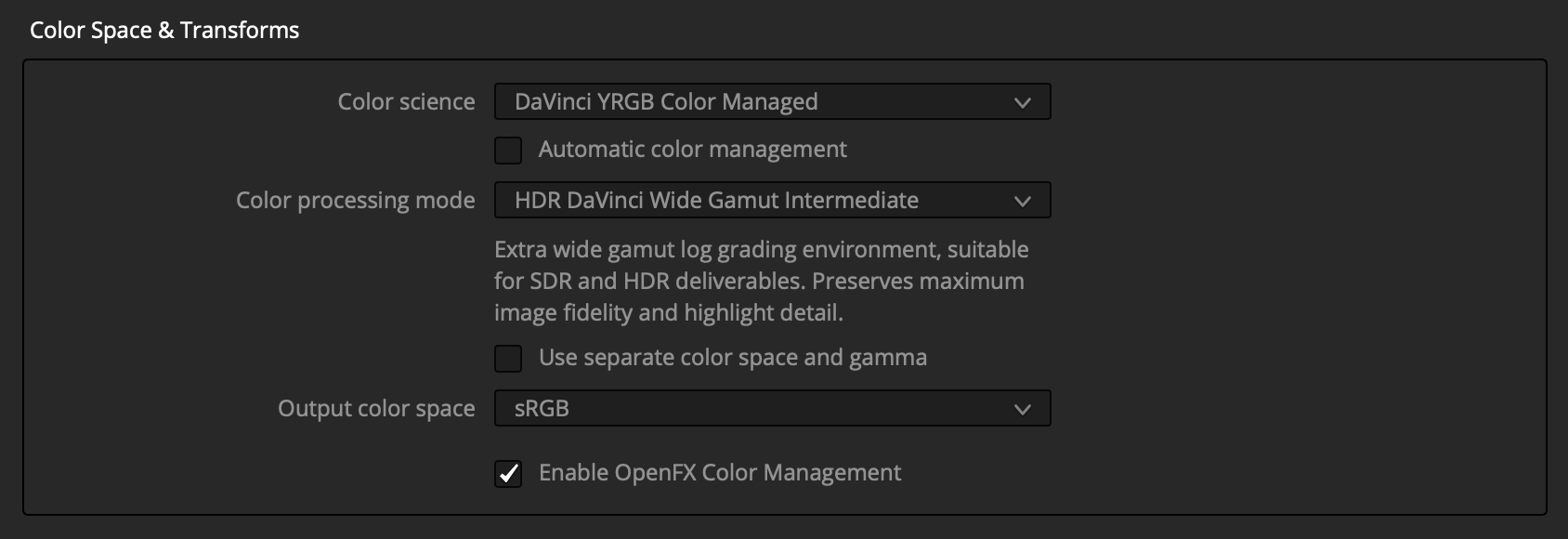
We recommend setting Resolve’s Color Management settings to match the configuration below. This helps with ingesting raw photos from disparate cameras into scene-referred space and ensures proper sRGB output and tagging.
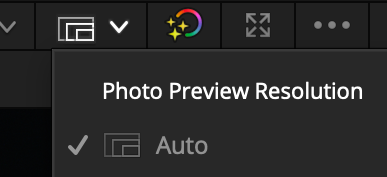
We recommend leaving Resolve’s Photo Preview Resolution on Auto for performance, but keep in mind that this may show you a low-resolution preview until you export or switch it to full.
 Made in California