


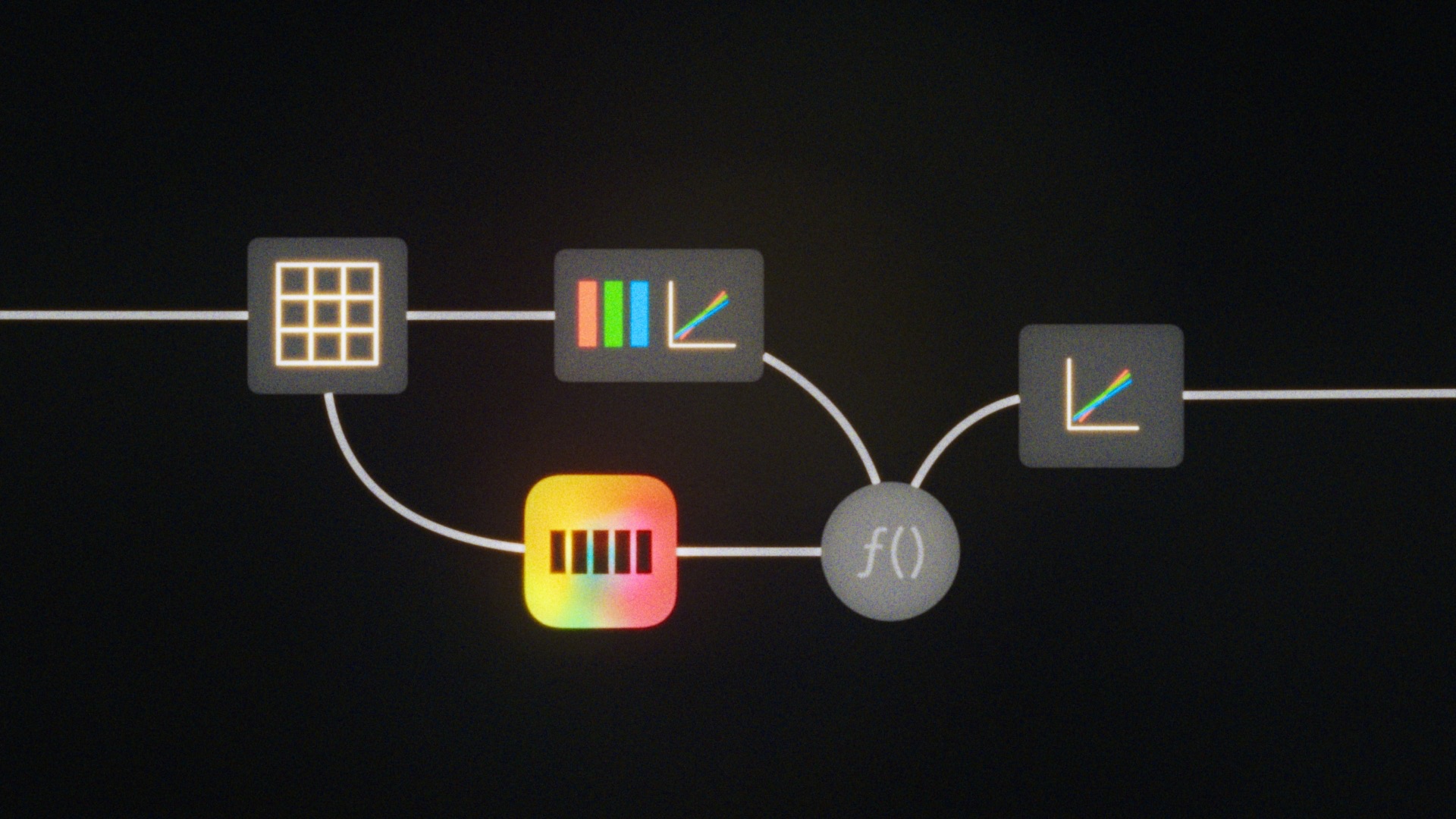
Grading with Filmbox Looks is designed to be super easy. It’s very possible to grade entire projects with nothing but the controls in Filmbox Looks.
If you want to use other operations it’s generally best to do them before Filmbox in the processing chain and to use colorspace-aware tools for changing things like exposure and color balance to maintain emulation accuracy.
Grading workflow
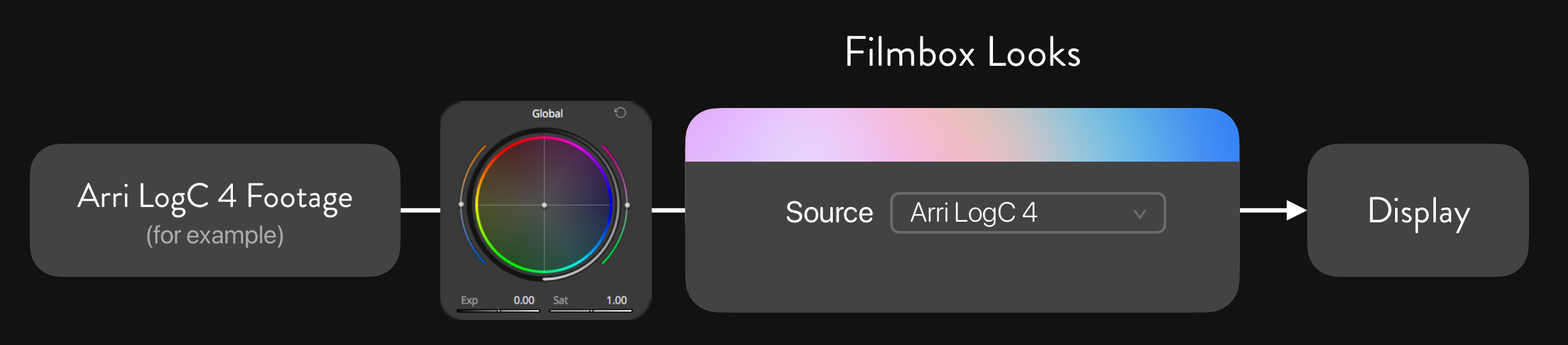
Major color grading operations should take place before the Filmbox node in the camera’s log colorspace just like working with a “Show LUT”.
Accurate exposure and color balance adjustments can be made using Filmbox’s camera controls, or Resolve’s colorspace-aware “HDR Global” tool.
Creative Controls
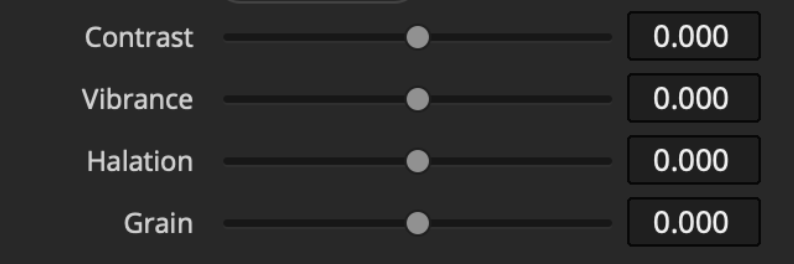
Filmbox is doing a lot under the hood to reproduce every aspect of photochemical imaging. Looks offers basic control over the main characteristics. Not every Looks preset uses every characteristic, some sliders may appear or disappear depending on the preset. A much greater degree of control over every aspect of this processing is available in Filmbox Pro
Contrast
Vibrance
Halation
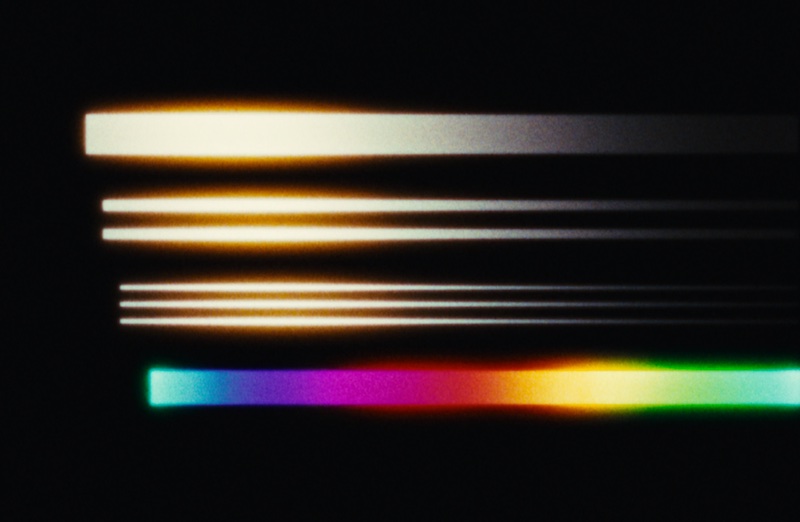
Reproduces the unique spatial rendering characteristics of film - including the diffusion of light within layers of color emulsion that produces the iconic amber-biased halos visible especially in highlights and high-contrast image features.
Grain
Reproduces the texture of film by mapping grain according to the density of the emulated negative.
Gate Weave
Reproduces subtle movement between frames at the time of exposure.
 Made in California