



Photo mode makes it possible to use Filmbox with Resolve’s still photography oriented features.
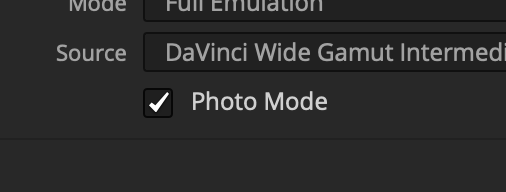
Designed for Resolve Color Management
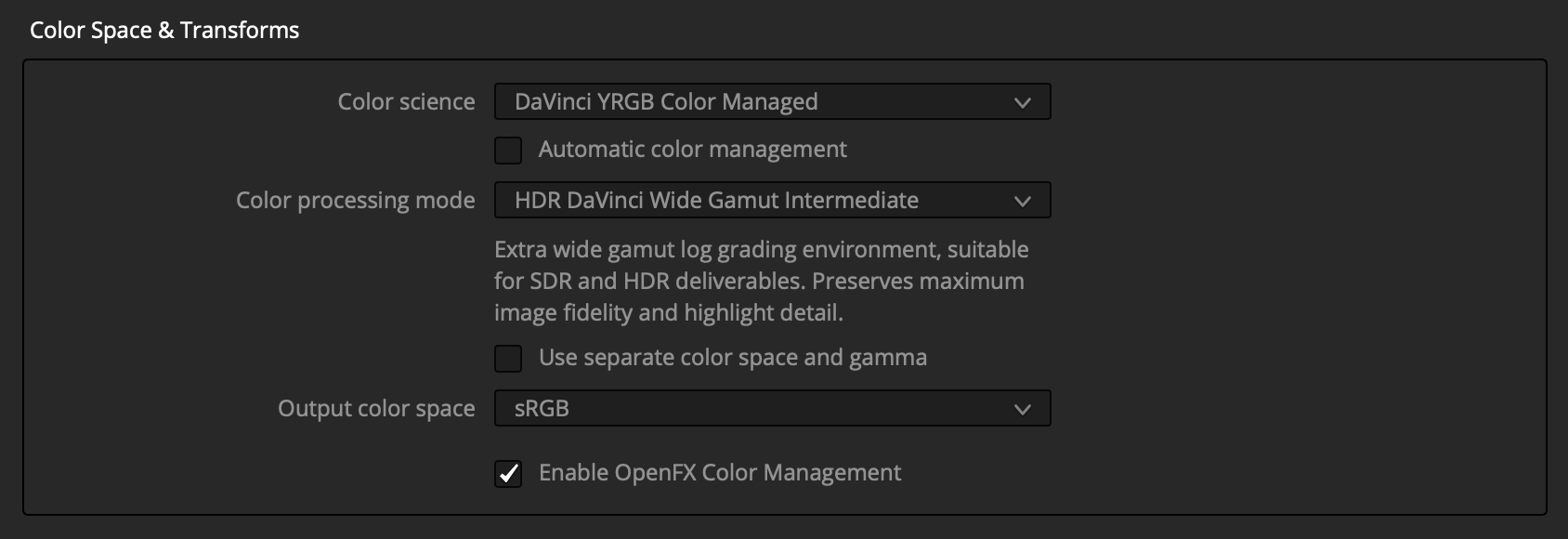
Photo mode automatically configures Filmbox to work with a specific color management setup in Resolve. Please enable DaVinci Color Management under Project Settings, and configure it like this:
High-Rez Operation
Enabling photo mode allows Filmbox to work at much higher resolutions with more detailed textural processing specifically for still photo work.
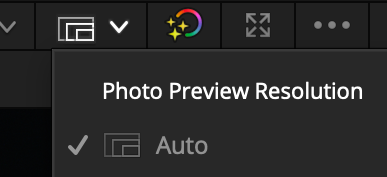
We recommend leaving Resolve’s “Photo Preview Resolution” on Auto for performance — but keep in mind that this may show you a low-resolution preview until you export or switch it to full.
 Made in California