


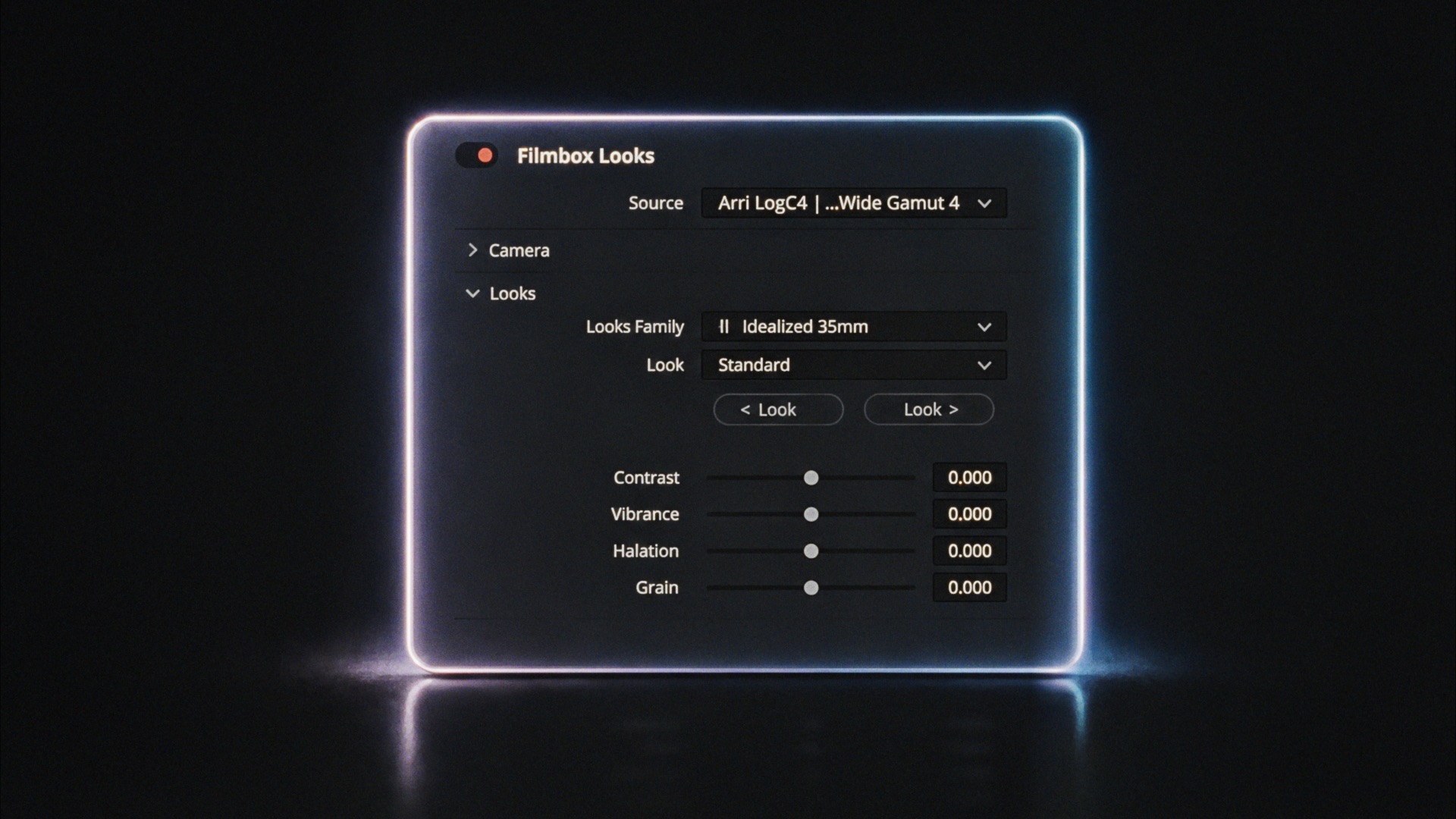
Welcome to Filmbox Looks!
Below is an overview of each control, followed by guides for getting the most out of Filmbox Looks.
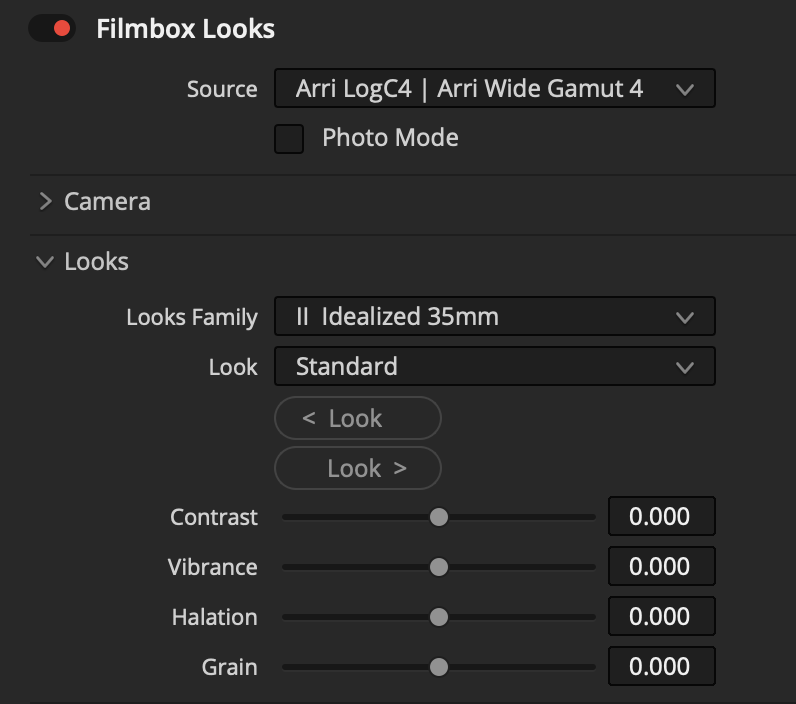
Source: Select the colorspace your footage was recorded in.
Photo Mode: Use Filmbox with Resolve’s still photography features.
Camera: Adjust true Exposure, Temp, and Tint of the footage, just like on the camera.
Looks: Select a Look from a Family of looks with similar characteristics.
Look controls: Adjust basic characteristics of the selected look.
 Made in California