


Filmbox Pro offers granular control over every image characteristic, direct access to the underlying library of film stocks and photochemical processes that power Looks, and a full suite of workflow features for professionals. Learn more here.
Upgrading a project to Pro
Projects created in Filmbox Looks open directly in Filmbox Pro—no conversion required. Installing Pro or giving your project file to someone who has Pro is all you need to do.
Downgrading a project from Pro to Looks (not recommended)
Opening a Pro project in Looks will not delete or change your grades, but Looks can render only Looks presets. Any Pro-only adjustments (custom grades/effects beyond a preset) won’t render in Looks and will appear at their defaults. If you start in Looks, then customize in Pro, and later reopen in Looks, it will render only the original Looks preset. Your Pro changes remain in the project and will reappear when you open it in Pro again.
Exporting a grade
If you want to send a looks configuration to a collaborator you can use Help → Export User Preset to export the current Filmbox Looks configuration—including the positions of the user sliders—as a .filmbox file. This file can be imported into Filmbox Pro on any host application.

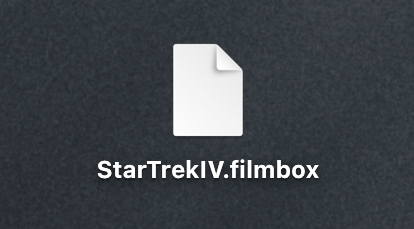
For example an editor working with Looks in Premiere can export a .filmbox preset to convey artistic intent to a colorist using Pro on Resolve or Baselight. (Filmbox Looks cannot import .filmbox presets.)
 Made in California