


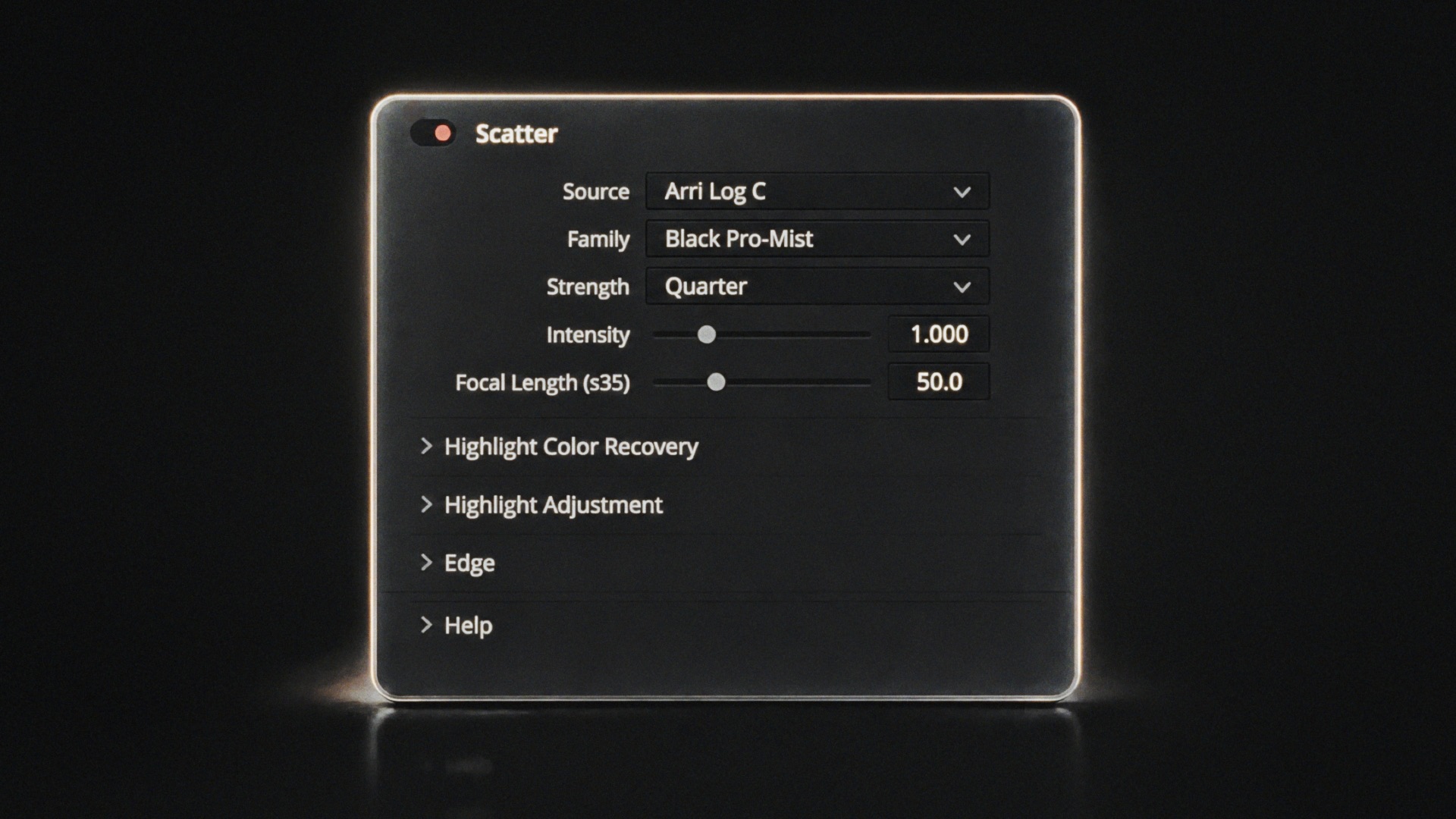
Welcome to Scatter!
Scatter emulates the characteristics of optical diffusion filters on scene-referred footage. Its physically based processing enables it to reproduce a range of real photographic filter types and strengths with consistent results across scenes and cameras.
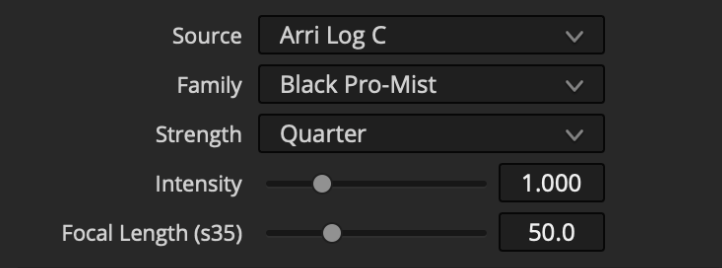
Source: Choose the colorspace of your “log” or “scene-referred” footage or working space.
Family and Strength: Select the family of profiled filters, then select the strength of the selected filter family.
Intensity: Amplify or reduce the effect of the active filter.
Focal Length: Reduce or enlarge the falloff to approximate other fields of view, expressed in millimeters of focal length on s35mm.
Highlight Color Recovery: Rebuild color information in blown-out highlight regions by considering the hue of neighboring pixels so diffusion can be calculated more naturally.
Highlight Adjustment: Amplify or reduce diffused highlights either for creative effect or to compensate for clipped highlights that should be brighter than what the sensor was able to record.
Edge: Select Vignette, Mirrored, or Repeated to determine how Scatter extrapolates beyond image bounds.
 Made in California